


Introduction
Most people who quit JavaScript don't quit because it's too hard. They quit because they spent weeks watching tutorials and still couldn't build anything on their own.
The best way to learn JavaScript is to learn a small concept, use it right away in a tiny project, and repeat. Courses and videos help, but you learn the language by writing code, breaking it, and fixing it.
This guide gives you a clear learning order, realistic timelines, beginner projects that teach real skills, and free resources worth your time.
It also covers what recruiters actually check when they review JavaScript candidates. That way, you're learning toward a job and not just a certificate.
TL;DR
- The best way to learn JavaScript is project-based: learn one concept, build something small with it, then move on.
- Follow a clear order: fundamentals, DOM and events, async code and APIs, Git and tooling, then one framework.
- Expect about 3 to 6 months of steady practice to reach job-ready basics, depending on your schedule and background.
- Free resources like MDN Web Docs and Harvard's CS50 Web are enough to get started. You don't need a paid course on day one.
- Recruiters care more about projects you can explain than the number of courses you've finished.
What is the best way to learn JavaScript?
The short answer is to build things from the first week. Reading about loops is not the same as writing a loop that filters a real list of data.
JavaScript is also worth the effort. Stack Overflow's 2025 Developer Survey, which drew more than 49,000 responses, again places JavaScript as the most-used language, with about 66% of respondents using it.
That means plenty of jobs, plenty of tutorials, and answers to almost any error you'll hit.
Here's how the common learning methods compare.
The strongest approach mixes these. Use a course or interactive lessons to meet a concept, MDN to understand it properly, and a small project to make it stick.
Is JavaScript hard to learn for beginners?
The basics are approachable. You can write working code in your browser console within an hour, with no installs.
The harder parts come later. Asynchronous code, the this keyword, closures, and how the event loop works confuse almost everyone at first. That's normal, and it doesn't mean you're bad at programming.
JavaScript is also forgiving in ways that can hurt you. It often runs code that has a mistake in it instead of throwing an error, so bugs can hide. Learning to use the browser's developer tools early makes this much easier.
A step-by-step JavaScript learning roadmap
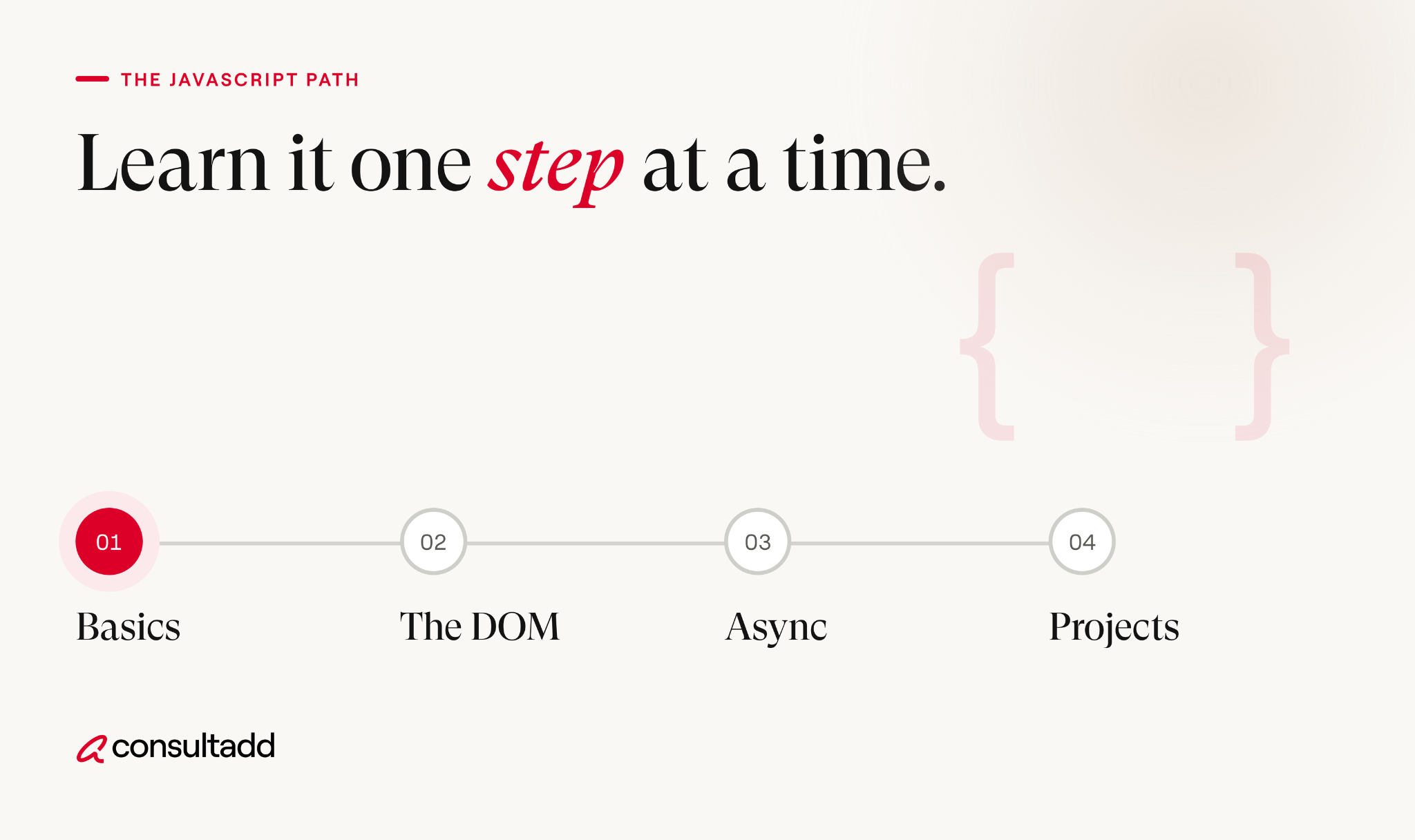
This JavaScript learning roadmap assumes you know basic HTML and a little CSS. If you don't, spend a week or two on those first, since JavaScript mostly works with web pages.
Step 1: Set up a simple environment
Install VS Code and a modern browser like Chrome or Firefox. Learn to open the developer console and run a line of code there.
Keep it simple. You don't need build tools, frameworks, or packages yet.
Step 2: Learn JavaScript fundamentals
This is the foundation everything else sits on. Focus on:
- Variables with let and const
- Data types, including strings, numbers, booleans, arrays, and objects
- Conditionals and loops
- Functions, including arrow functions
- Array methods like map, filter, and reduce
Don't rush this stage. Most of the confusion people feel later with frameworks comes from weak fundamentals.
Step 3: Work with the DOM and events
The DOM is how JavaScript reads and changes a web page. This is where coding starts to feel real, because you click a button and something happens.
Learn to select elements, change text and styles, create new elements, and respond to clicks, typing, and form submissions.
Step 4: Understand async JavaScript and APIs
Real apps fetch data from servers. Learn callbacks briefly, then focus on promises and async/await. Use fetch to pull data from a free public API and display it on a page.
Expect this step to take longer than the others. It's the point where many learners stall, so give it time.
Step 5: Learn Git and modern tooling
Start tracking your projects with Git and pushing them to GitHub. Employers look at commit history, so this matters more than it seems.
After that, learn the basics of npm, ES modules, and a code formatter like Prettier.
Step 6: Pick one framework, after the basics
Once you can build a small app in plain JavaScript, choose one framework.
React is the most common in job postings, and our post on the most in-demand software engineering skills explains why recruiters keep asking for it.
Pick one and stick with it. Jumping between React, Vue, and Angular is one of the fastest ways to stop making progress.
How long does it take to learn JavaScript?
It depends on how much time you put in and whether you've coded before. The timeline below assumes about 10 to 15 hours a week for someone starting from scratch. Treat it as a rough guide, not a deadline.
Added up, that's roughly 3 to 6 months to reach job-ready basics. Learning full time can shorten it. Learning in small pockets of time stretches it out, and that's fine.
JavaScript projects for beginners that teach real skills
A good beginner project forces you to use a specific skill. Copying a 3-hour tutorial line by line doesn't count, but rebuilding it afterward without the video does.
Two or three finished, polished projects beat ten half-done ones. Write a short README for each one explaining what it does and what you'd improve.
Where to learn JavaScript online for free
You can learn JavaScript online for free and reach a strong level. Paid courses are optional.
- MDN Web Docs JavaScript Guide: Mozilla's reference is the most reliable place to check how something actually works.
- Harvard CS50's Web Programming with Python and JavaScript: A free university course that teaches JavaScript as part of building full web apps.
- javascript.info: A free, well-organized text tutorial that goes from basics to advanced topics.
- freeCodeCamp and The Odin Project: Free, structured curriculums with built-in projects.
Choose one main course and use MDN alongside it. Switching between several courses at once usually means repeating the same beginner material.
Common mistakes that slow beginners down
Tutorial hell is the big one. If you've finished several courses but freeze in front of an empty file, stop watching and start building.
Other common mistakes include:
- Jumping into React before understanding arrays, objects, and functions
- Copying code from AI tools without being able to explain it line by line
- Avoiding error messages instead of reading them
- Learning alone with no feedback on your code
- Skipping Git until "later"
AI coding assistants are useful for explaining errors and concepts. Just make sure you can rewrite the code yourself, because interviewers will ask you to.
What recruiters look for in JavaScript candidates
Learning JavaScript is one thing. Getting hired with it is another, and the demand is there.
The U.S. Bureau of Labor Statistics reports a median annual wage of $92,650 for web developers in May 2025, and projects 5% employment growth for web developers and digital designers from 2025 to 2035, which it classifies as faster than average.
You can review the details in the BLS Occupational Outlook Handbook.
When our recruiters screen candidates for front-end and full stack roles, a few patterns come up again and again.
Candidates who walk through their own project, explain a bug they fixed, and describe what they'd change tend to move forward. Candidates who list ten technologies but can't explain one project in depth usually don't.
Here's what we see employers checking at the entry level:
- Solid JavaScript fundamentals, including async code
- At least one framework, most often React
- Git habits and a readable GitHub profile
- The ability to talk through code clearly
For a broader view, see our guide to software developer qualifications employers actually require.
When you're ready for interviews, our posts on how to prepare for a full stack developer interview and the coding interview playbook pick up where this guide ends.
Conclusion
The best way to learn JavaScript is unglamorous: small concepts, small projects, and a lot of repetition. Get the fundamentals solid before touching a framework, and treat async code as its own stage instead of something to rush past.
If you're still deciding where to start, open a blank file today and build a to-do list with no tutorial. Where you get stuck tells you exactly what to study next.
Start Strong With Consultadd
With 15 years in business and 5,000+ successful staffing engagements, we don't just fill roles, we build reliability into your process. We've supported 65 staffing companies in the past year alone and maintain MSAs with industry leaders like Robert Half and TEKsystems.
Here's what working with Consultadd looks like:
- Talent sourced in under 24 hours
- Ready-to-deploy candidates, vetted for experience and compliance
- Lower turnover risk: we match long-term goals, not just short-term needs
- Seamless compliance: visa, documentation, onboarding? Handled.
- Dedicated 1:1 account managers for responsive, personalized support
- Top 100 candidate matches delivered in the past year
- Strong partnerships with universities to tap into fresh, committed talent
- Post-placement support so your investment grows beyond day one
For candidates, your next opportunity is more than just a job title, it's a chance to build skills, gain experience, and move your career forward. At Consultadd, we connect technology professionals with projects and employers that align with their goals, whether they're looking for contract, contract-to-hire, or long-term opportunities.
The tech job market moves fast, but the right guidance can make all the difference. Ready to take the next step in your career journey? Explore Opportunities >>
Key takeaways
- Learning by building small projects works better than watching courses back to back.
- Follow the order: fundamentals, DOM, async and APIs, Git, then one framework.
- Plan for about 3 to 6 months of consistent practice to reach job-ready basics.
- Free resources like MDN and CS50 Web cover everything a beginner needs.
- Recruiters favor candidates who can explain their own projects in depth.
FAQs
1. Can I learn JavaScript in 3 months?
You can learn the fundamentals and build a few small projects in 3 months with steady daily practice. Becoming job-ready usually takes a bit longer, since you'll also need Git, async code, and a framework. Focus on finishing projects rather than racing through topics.
2. Should I learn HTML and CSS before JavaScript?
Yes, at least the basics. JavaScript on the web mostly changes HTML elements and their styles, so you need to know what you're changing. One to two weeks of HTML and CSS is enough before you start.
3. Can I learn JavaScript on my own without a bootcamp?
Many working developers are self-taught. Free resources like MDN, javascript.info, and The Odin Project cover the full path. The hard part is accountability, so set a weekly schedule and share your projects for feedback.
4. Should I learn JavaScript or Python first?
Pick JavaScript if you want to build websites or work in front-end or full stack roles. Pick Python if you're leaning toward data, automation, or AI work. Both are good first languages, and learning the second one gets much easier after the first.
5. Can I get a job knowing only JavaScript?
JavaScript alone is rarely enough. Most entry-level roles expect HTML, CSS, Git, and at least one framework like React. Back-end roles using Node.js also expect some database knowledge.
6. Is JavaScript still worth learning with AI coding tools around?
Yes. AI tools can write JavaScript, but someone still has to review it, debug it, and fit it into a real codebase. Developers who understand the fundamentals get far more out of these tools than those who don't.



.png)
.webp)