
.avif)

Introduction
A level 1 technician resets the password. A level 2 technician figures out why the account keeps locking. A level 3 technician finds the replication issue between domain controllers that's been silently locking accounts for three weeks, fixes it, and writes the article that stops the ticket from ever reaching level 1 again.
So what should a level 3 IT technician know? Enough to be the last stop. When a ticket lands on your desk at this tier, nobody else inside the organization is going to solve it.
That means depth in a few systems rather than familiarity with many, the ability to work from logs and packet captures instead of symptom descriptions, and the discipline to document what you found.
The list below is the practical version: what employers actually test for, what shows up in real escalations, and where people usually have gaps.
TL;DR
- A level 3 IT technician is the final internal escalation point, handling issues that tier 1 and tier 2 cannot resolve, and often owning the fix at a system level rather than a ticket level.
- Core technical ground: operating systems, networking, directory services and identity, virtualization, cloud administration, security, and scripting.
- The differentiator isn't tool knowledge. It's root cause analysis, reading logs properly, and documenting fixes so lower tiers can handle the repeat.
- Certifications help you get interviews. Demonstrated troubleshooting gets you hired. Most job postings ask for roughly five years of experience.
- Traditional support roles are shrinking, while adjacent administration, cloud, and security roles pay considerably more. Level 3 is the branch point.
What "level 3" actually means
IT support tiers are a triage structure, not a job-title hierarchy. The point is to keep expensive expertise free for problems that need it.
Every organization draws these lines slightly differently. In a small company, the level 3 technician is also the sysadmin, the network admin, and the person who owns the backup strategy. In a large enterprise or an MSP, level 3 might be a narrow specialty.
What stays constant: level 3 owns the problem, not the ticket. If the same issue comes back next month, that's a level 3 failure regardless of how fast the original ticket closed.
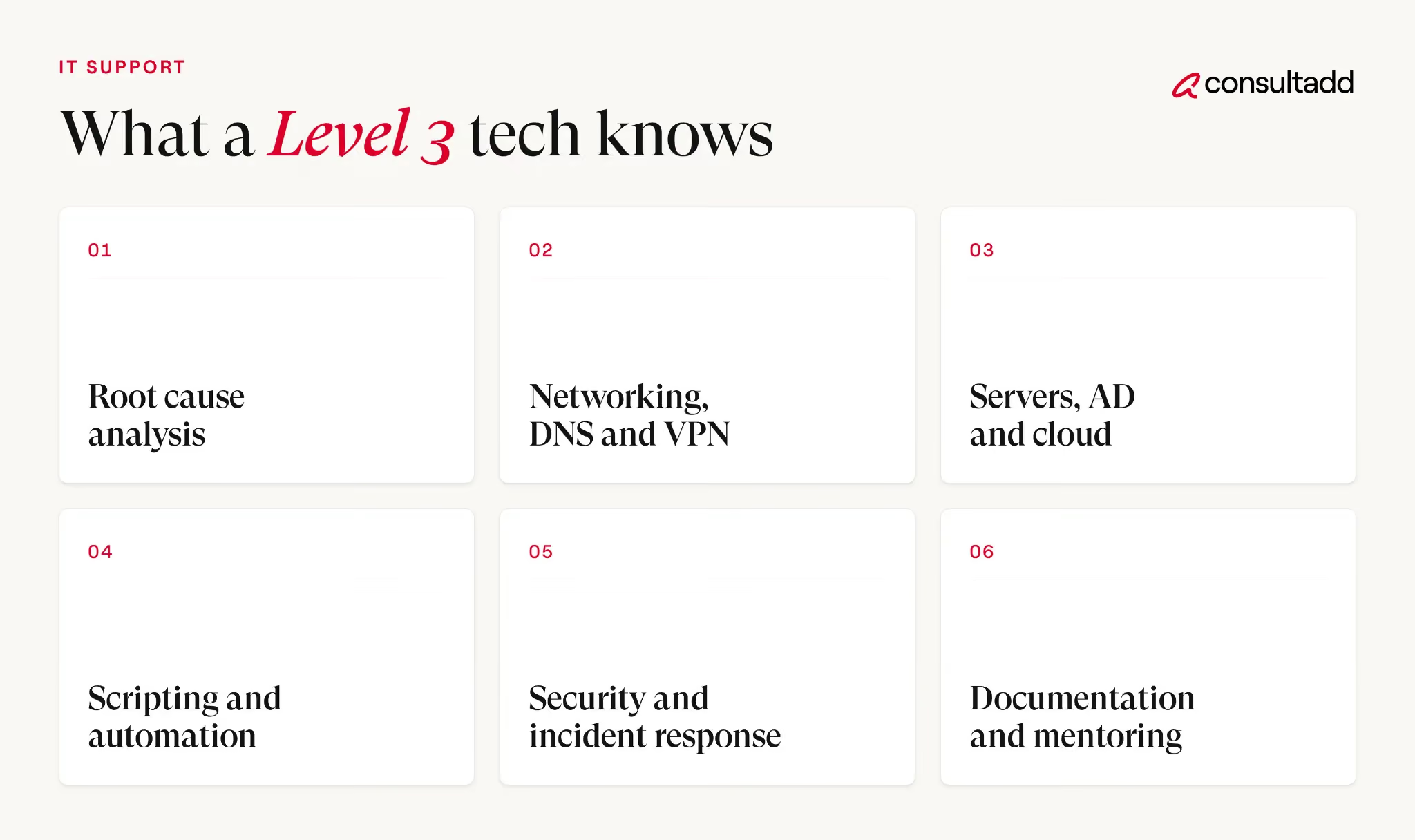
The core technical knowledge
1. Operating systems, past the GUI
You should be comfortable working in Windows and Linux without a graphical interface. Windows Server roles, Group Policy, the registry, event log analysis, PowerShell.
On Linux: the filesystem hierarchy, systemd, permissions, package management, and reading logs in journalctl or /var/log without hunting for a tutorial.
The practical test is boot and performance problems. Can you diagnose a machine that won't boot, a service that fails silently, or a server that's slow for reasons the monitoring dashboard doesn't explain?
2. Networking that goes past layer 1
Level 1 checks whether it's plugged in. Level 3 should be able to work through the OSI model methodically and know where to stop looking.
Concretely: subnetting without a calculator, DNS resolution order and what breaks when it's wrong, DHCP scope and lease problems, VLANs and trunking, routing basics, NAT, firewall rule evaluation, VPN troubleshooting, and TLS handshake failures.
You should be able to read a packet capture well enough to tell whether a problem is the application, the network, or the client.
DNS deserves its own mention. A large share of "the network is down" tickets are DNS, and the ones that reach level 3 are usually the subtle ones.
3. Directory services and identity
Active Directory is still the backbone of most corporate environments, and increasingly it's hybrid with a cloud identity provider alongside it.
You need to understand domain controllers, replication, FSMO roles, sites and services, Group Policy processing order, Kerberos and NTLM authentication, and where synchronization between on-premises and cloud identity breaks.
Identity problems produce some of the most confusing symptoms in IT. Users report an application failure; the actual cause is a token lifetime or a broken trust relationship.
4. Virtualization and servers
VMware, Hyper-V, or both. Resource allocation, snapshots and why they're not backups, storage performance, host and guest troubleshooting.
Storage generally: RAID levels, SAN and NAS basics, IOPS, and what a failing disk looks like before it fails completely.
Backup and recovery belongs here too, and it's the area where technicians most often have theoretical knowledge and no practical experience. Knowing the backup schedule is not the same as having restored from it.
5. Cloud administration
Most environments are hybrid now. Level 3 work increasingly means administering Microsoft 365 or Google Workspace, managing cloud identity and conditional access, understanding SaaS integrations, and doing at least basic work in Azure, AWS, or GCP: virtual machines, storage, networking, and IAM.
You don't need to be a cloud architect. You do need to stop treating the cloud as someone else's problem.
6. Security
Not a separate specialty at this tier, just part of the job.
Endpoint protection and EDR, patch management, least privilege, MFA, certificate management and expiry, phishing investigation, and enough incident response to contain something and escalate it correctly.
Certificate expiry is worth singling out. It causes outages that look like everything except what they are, and it's entirely preventable.
7. Scripting and automation
PowerShell for Windows environments, Bash for Linux, Python as a general-purpose tool. You don't need to write production software.
You need to automate the repetitive work, bulk-process changes safely, and read someone else's script well enough to know what it will do before you run it.
This is often what separates a technician who stays at level 3 from one who moves into engineering.
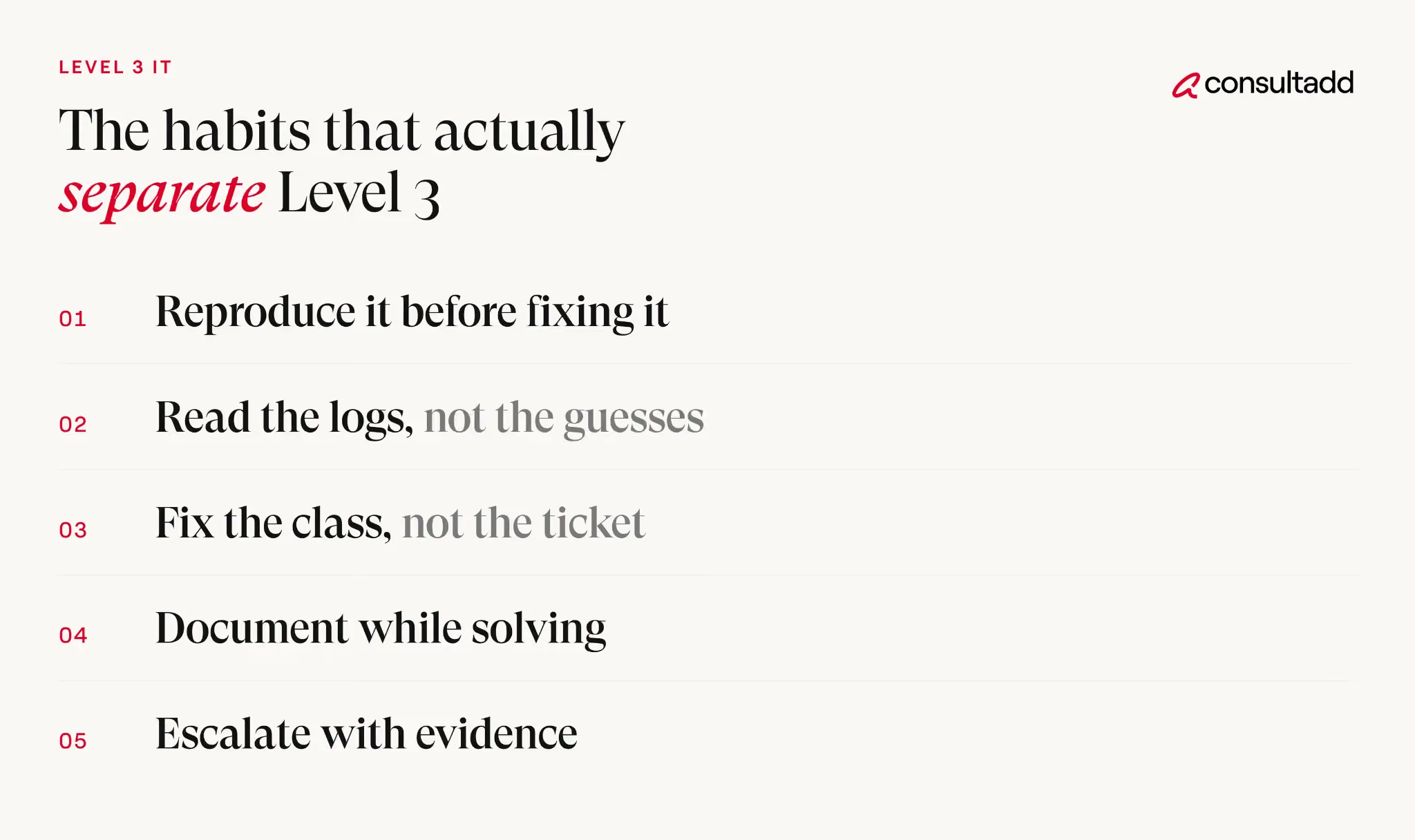
The habits that actually separate level 3
Technical range gets you the interview. These get you kept.
1. Find the cause, not the symptom
Restarting the service clears the ticket. It doesn't answer why the service died. A level 3 technician is expected to reach an actual cause, and to be honest when they haven't.
Practically: form a hypothesis, test one variable at a time, check what changed before the problem started, and read the logs in chronological order rather than searching for the word "error."
2. Write it down
Documentation is a real deliverable at this tier, not an afterthought.
Knowledge base articles, runbooks, network diagrams, and post-incident notes are how one fix at level 3 turns into a hundred faster resolutions at levels 1 and 2.
A level 3 technician who solves everything and documents nothing becomes a bottleneck. That's a career ceiling, not a job security strategy.
3. Communicate under pressure
During an outage you'll be explaining status to people who don't want technical detail, while also coordinating with vendors who want nothing but technical detail.
Both audiences at once, while the thing is still broken.
The specific skill is giving an honest status update without either minimizing the problem or catastrophizing it.
4. Know when to escalate outward
Level 3 is the last internal stop, not the last stop.
Recognizing that an issue is a vendor bug rather than a configuration error, and escalating it with a clean reproduction case, is a skill. Spending three days proving it yourself is not dedication, it's an expensive mistake.
Certifications worth having
Certifications won't make you a level 3 technician. They will get your resume past filters and give structure to gaps in your knowledge.
Pick based on the environment you work in or want to work in. Three certifications in unrelated stacks read worse than two that match a coherent career direction.
Most level 3 job postings ask for roughly five years of IT experience alongside these, and experience usually wins when the two compete.
A self-assessment
A quick way to find your gaps. If you can't do the right-hand column unsupervised, that's your study list.
That last row is the honest summary of the whole role.
Pay and where the path leads
Worth understanding the market you're moving through:
The Bureau of Labor Statistics reports a median annual wage of $61,860 for computer user support specialists as of May 2025, with overall employment of computer support specialists projected to decline 3 percent from 2025 to 2035.
Even so, about 48,700 openings are projected each year, nearly all from people leaving the occupation.
The adjacent roles pay better. Network and computer systems administrators had a median wage of $99,130 in May 2025. Across computer and information technology occupations as a group, the median was $109,470 in May 2025, against $50,980 for all occupations.
Read those numbers together and the picture is clear enough. Generalist support work is contracting. The skills that define level 3, infrastructure, identity, cloud, security, and automation, are the ones that carry into roles that aren't contracting.
Level 3 is a branch point rather than a destination. Common next steps are systems administrator, network engineer, cloud engineer, security analyst, DevOps or platform engineer, or IT manager. The technical direction depends on which part of the escalation queue you find yourself enjoying.
For hiring managers reading this: the same competency map works as an interview rubric.
Consultadd's guide to closing skill gaps on your team covers how to assess capability rather than resume keywords.
If you're staffing these roles on contract, the IT staffing process walkthrough and our guide to hiring tech talent fast through staff augmentation go through sourcing and screening in more detail.
Start Strong With Consultadd
With 15 years in business and 5,000+ successful staffing engagements, we don't just fill roles, we build reliability into your process. We've supported 65 staffing companies in the past year alone and maintain MSAs with industry leaders like Robert Half and TEKsystems.
Here's what working with Consultadd looks like:
- Talent sourced in under 24 hours
- Ready-to-deploy candidates, vetted for experience and compliance
- Lower turnover risk: we match long-term goals, not just short-term needs
- Seamless compliance: visa, documentation, onboarding? Handled.
- Dedicated 1:1 account managers for responsive, personalized support
- Top 100 candidate matches delivered in the past year
- Strong partnerships with universities to tap into fresh, committed talent
- Post-placement support so your investment grows beyond day one
For candidates, your next opportunity is more than just a job title, it's a chance to build skills, gain experience, and move your career forward. At Consultadd, we connect technology professionals with projects and employers that align with their goals, whether they're looking for contract, contract-to-hire, or long-term opportunities.
The tech job market moves fast, but the right guidance can make all the difference. Ready to take the next step in your career journey? Explore Opportunities >>
Key takeaways
- A level 3 IT technician is the last internal escalation point and is expected to fix causes, not symptoms.
- The technical baseline covers operating systems, networking, directory services and identity, virtualization, cloud administration, security, and scripting.
- Documentation and knowledge transfer are part of the job. Solving everything while writing nothing makes you a bottleneck.
- Certifications open doors, but most postings still ask for around five years of hands-on experience.
- Support employment is projected to decline while infrastructure, cloud, and security roles pay substantially more, so treat level 3 as a branch point.
FAQs
What is a level 3 IT technician responsible for?
Resolving issues that levels 1 and 2 cannot, usually at the server, network, or infrastructure layer. That includes root cause analysis, permanent fixes, escalation to vendors when a product defect is involved, and documenting solutions so lower tiers can handle repeats.
How many years of experience do you need for level 3 support?
Most job postings ask for roughly five years of IT experience, though this varies by organization size. Small companies sometimes promote sooner out of necessity. What matters more than the year count is whether you've owned infrastructure rather than only worked tickets.
Do you need a degree to be a level 3 IT technician?
Many postings list a bachelor's degree as preferred rather than required. Demonstrated experience and relevant certifications are frequently accepted instead, particularly for contract and MSP roles where technical screening is hands-on.
Which certification is best for a level 3 technician?
There's no single answer, because it depends on your environment. Network+ or CCNA for networking depth, Microsoft Azure and 365 administrator credentials for hybrid Windows environments, Security+ for security baseline, and RHCSA for Linux-heavy shops. Match the stack you actually work in.
What's the difference between level 2 and level 3 support?
Level 2 resolves issues within an existing configuration. Level 3 changes the configuration, diagnoses systemic faults, and takes ownership of the underlying problem. Access rights usually differ too, with level 3 holding administrative access that level 2 doesn't.
What comes after level 3 IT support?
Common paths are systems administrator, network engineer, cloud engineer, security analyst, DevOps or platform engineer, and IT management. Which one fits depends on whether you gravitate toward infrastructure, security, automation, or people leadership.





.png)