

Introduction
Most IT job postings list 15 or 20 skills. Almost nobody has all of them, and recruiters know it. What they're really checking is whether you have the key IT skills for that specific role, and whether you can show real work behind them.
This guide is for IT candidates at any stage: students, career switchers and experienced professionals who want their next role.
It covers the foundation skills nearly every IT job expects, the core skills for each major career track, the professional skills that often decide interviews, and how to prove all of it on your resume. It ends with a simple way to decide what to learn next.
TL;DR
- Key IT skills fall into three layers: foundation skills for every IT role, core technical skills for your track, and professional skills that win interviews.
- Linux, networking basics, scripting, Git, cloud fundamentals and security habits are the foundation most roles assume you have.
- Each track, from cloud to cybersecurity to data, has a short list of core skills that matter more than a long list of tools.
- Recruiters look for evidence: specific resume bullets, real projects and certifications that match the job.
- The fastest way to pick your next skill is to study 20 job postings for the role you want and close the most common gap.
What counts as key IT skills in 2026
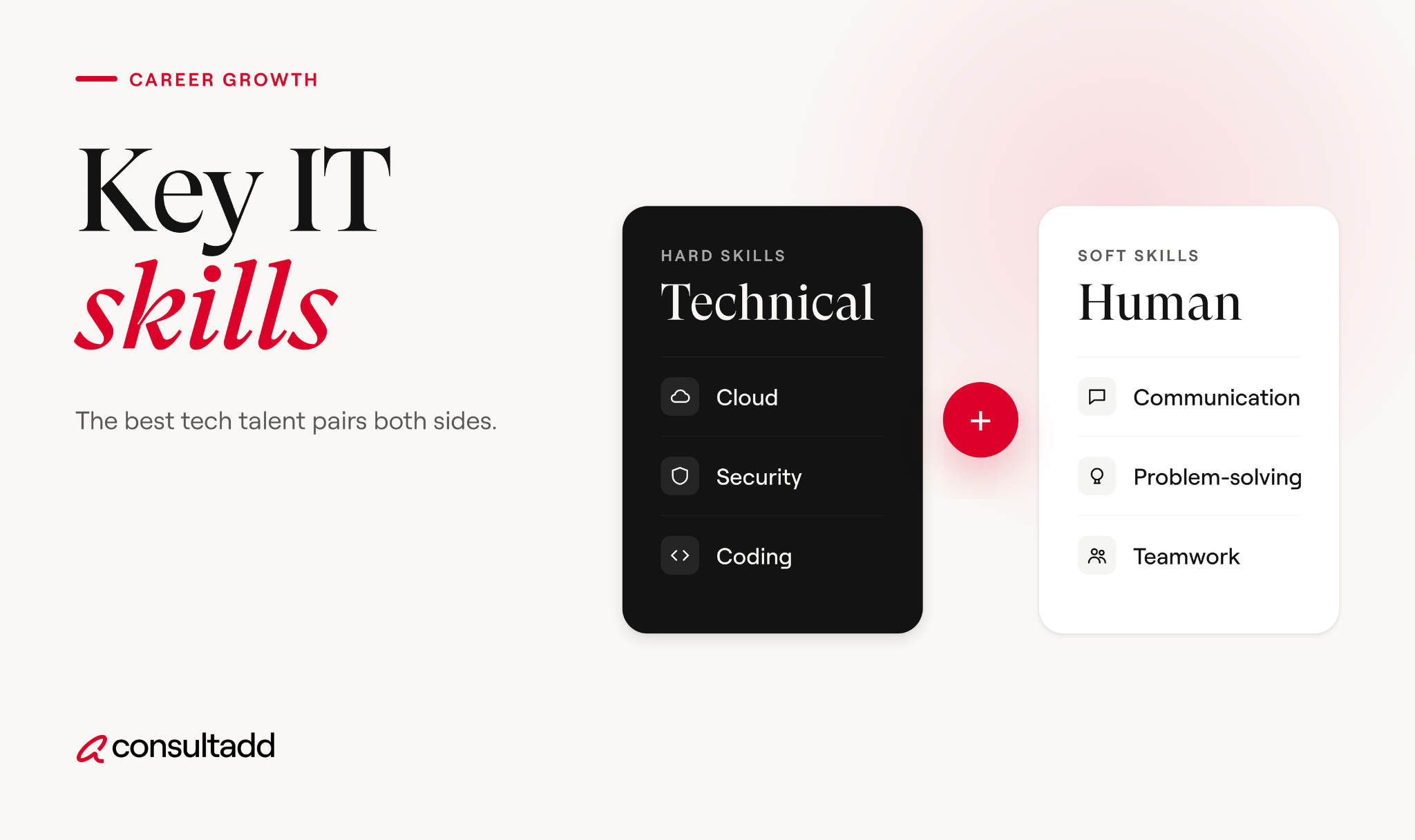
"IT skills" can mean anything from resetting a password to designing a cloud network. For job hunting, it helps to split them into three layers:
- Foundation skills that nearly every IT role expects, whatever your title
- Core technical skills that define your career track, like cloud, data or security
- Professional skills that show how you work with people and problems
The demand is there. The U.S. Bureau of Labor Statistics projects computer and IT occupations to grow much faster than average from 2024 to 2034, with about 317,700 openings each year.
The median annual wage for the group was $105,990 in May 2024, compared with $49,500 for all occupations. You can explore specific roles in the BLS Occupational Outlook Handbook.
Employers also expect the mix to keep shifting. In the World Economic Forum's Future of Jobs Report 2025, AI and big data ranked as the fastest-growing skills, ahead of networks and cybersecurity and technological literacy.
Creative thinking, resilience, flexibility and agility were also rising, along with curiosity and lifelong learning.
The point for candidates isn't to chase every trend. It's to have a solid foundation, go deep in one track, and keep learning at the edges.
Foundation IT skills every candidate needs
These skills come up in interviews for help desk, developer, cloud, data and security roles alike. You don't need to be an expert in all of them, but you do need to be comfortable.
Why the foundation matters so much
Recruiters often use foundation questions as a quick filter. A cloud candidate who can't explain DNS, or a developer who has never used Git in a team, raises doubts fast, even with a strong list of tools on the resume.
The good news is that these skills are learnable on your own time, with free tools and a laptop. A basic home lab covers most of the table above.
Key IT skills by career track
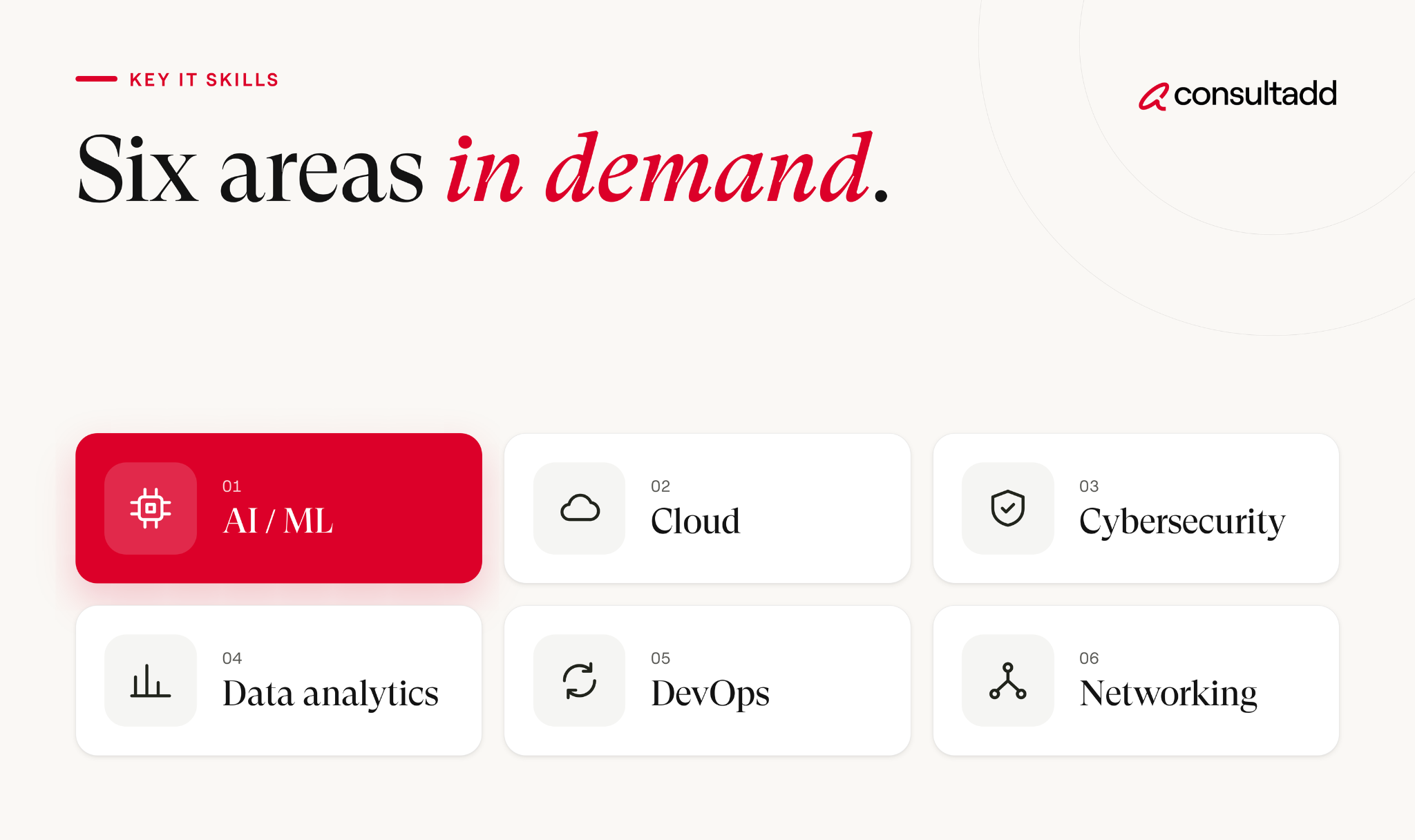
Once the foundation is in place, go deep in one track. Here's a snapshot of what each major IT path usually expects. The tools listed are common examples, not a checklist.
If you're a developer and want tool-level detail, our list of the most in-demand software engineering skills goes deeper.
If language and AI work interests you, see our guide to natural language processing jobs, titles, pay and skills.
Depth beats breadth
A common mistake is listing every tool you've touched once.
Recruiters and hiring managers usually prefer a candidate who knows one cloud platform well over one who lists three and can't answer follow-up questions about any of them.
Pick the platform or stack that shows up most in the jobs you want, and get genuinely good at it.
Professional skills that decide IT interviews
Technical skills get you the interview. Professional skills often decide the offer, especially when two candidates are close on the technical side.
1. Clear communication
Can you explain a technical problem to someone who isn't technical? In IT, you'll talk to managers, clients and end users who don't care about the details. They care what broke, what you did and what happens next.
2. A structured troubleshooting approach
Interviewers love questions like "A user says the app is slow. What do you do?" They aren't looking for one right answer. They want to hear you gather information, form a hypothesis, test it and narrow things down.
3. Documentation
Writing clear tickets, runbooks and README files is a skill many candidates skip. It's also one of the first things a team lead notices after you're hired.
4. Working in client-facing and contract roles
A lot of IT work happens on contract, often at a client site or on a client's project. From the staffing side, recruiters see a clear pattern here: the candidates who do well on contract are the ones who adapt quickly to a new team's tools and processes.
They also ask good questions early and keep stakeholders updated without being chased. Mentioning a real example of this in an interview goes a long way.
5. Learning agility
Tools change every couple of years in IT. Employers want to know you can pick up something new. A short story about how you learned a new tool quickly on the job is more convincing than saying "I'm a fast learner."
How to prove your IT skills to recruiters
Listing a skill isn't the same as proving it. Here's how to turn your skills into evidence a recruiter can trust.
1. Write resume bullets that show results
Most resumes describe duties. Strong resumes describe what you did and what changed because of it.
Use your own real numbers. If you don't have exact figures, give an honest estimate and be ready to explain how you got it.
2. Show real projects
For candidates without much work experience, projects fill the gap. A good IT project solves a real problem, runs somewhere other than your laptop and has a clear README.
One solid project you can talk through for 10 minutes beats five tutorial copies.
3. Use certifications strategically
Certifications help most when they match the job posting and your track.
CompTIA's guide to in-demand IT skills points out that cloud skills like configuration, deployment, security and troubleshooting apply across platforms such as Microsoft Azure and AWS, so a cloud certification can carry across many roles.
Certifications work best alongside hands-on work, not instead of it. A recruiter will usually ask what you built while studying for one.
4. Be ready to demonstrate skills live
Many IT interviews include a practical round: a coding exercise, a troubleshooting scenario or a whiteboard design.
For coding rounds, our guide to mastering the coding interview walks through practice methods that work.
How to choose which IT skills to learn next
Instead of guessing, let the job market tell you. This takes about an hour.
- Pick one target role. Be specific, like "junior cloud engineer" or "SQL data analyst," not just "IT."
- Collect 20 current job postings for that role in your area or remote.
- Tally the skills. Note every skill and tool mentioned, and count how often each one appears.
- Compare against your own skills. Mark each as strong, basic or missing.
- Close the biggest gap first. Choose the most common skill you're missing and build one project around it.
- Repeat every few months. The list shifts over time, so check again before your next job search.
If you're an international student looking for hands-on experience, our CPT job guide for F-1 students explains how to find roles that let you build these skills while you study.
Building key IT skills that last
The key IT skills that last aren't tied to one tool.
Networking, Linux, scripting, security habits and clear communication have mattered for decades and still show up in almost every posting. Specific platforms and frameworks will keep changing on top of that base.
So build the foundation first, go deep in one track, and prove your skills with results you can explain.
When you're ready to see what current roles ask for, browse the open positions on the Consultadd careers page and compare them against your own list.
Start Strong With Consultadd
With 15 years in business and 5,000+ successful staffing engagements, we don't just fill roles, we build reliability into your process. We've supported 65 staffing companies in the past year alone and maintain MSAs with industry leaders like Robert Half and TEKsystems.
Here's what working with Consultadd looks like:
- Talent sourced in under 24 hours
- Ready-to-deploy candidates, vetted for experience and compliance
- Lower turnover risk: we match long-term goals, not just short-term needs
- Seamless compliance: visa, documentation, onboarding? Handled.
- Dedicated 1:1 account managers for responsive, personalized support
- Top 100 candidate matches delivered in the past year
- Strong partnerships with universities to tap into fresh, committed talent
- Post-placement support so your investment grows beyond day one
For candidates, your next opportunity is more than just a job title, it's a chance to build skills, gain experience, and move your career forward. At Consultadd, we connect technology professionals with projects and employers that align with their goals, whether they're looking for contract, contract-to-hire, or long-term opportunities.
The tech job market moves fast, but the right guidance can make all the difference. Ready to take the next step in your career journey? Explore Opportunities >>
Key takeaways
- Think of key IT skills in three layers: foundation, core technical skills for your track, and professional skills.
- Linux, networking, scripting, Git, cloud basics and security habits are expected in most IT roles, and a home lab covers them.
- Go deep in one career track and one main platform rather than listing many tools you've barely used.
- Prove your skills with result-focused resume bullets, deployed projects and certifications that match your target jobs.
- Study 20 current postings for your target role to find the skill gap worth closing first.
FAQs
What are the key IT skills employers look for?
Most employers look for a foundation of Linux, networking, scripting, version control, cloud basics and security awareness. On top of that, they want deeper skills in a specific track, like cloud, data, cybersecurity or software development. Communication and structured problem-solving often decide between close candidates.
Which IT skills are most in demand right now?
Employers surveyed by the World Economic Forum named AI and big data, networks and cybersecurity, and technological literacy as the fastest-growing skills. In day-to-day job postings, cloud platforms, data skills and security skills show up across many roles. The exact mix depends on your target role, so check current postings.
How do I list IT skills on my resume?
Add a short skills section grouped by category, like languages, cloud and tools. More important, show those skills inside your experience bullets with specific results. A recruiter trusts "migrated 12 apps to AWS" more than "AWS" in a list.
Are IT certifications worth it?
They can be, especially early in your career or when switching tracks. Certifications like CompTIA Security+ or an AWS associate certification help you pass resume filters and show commitment. They work best when paired with hands-on projects you can discuss in an interview.
Can I learn IT skills without a degree?
Yes. Many IT roles, especially in support, cloud and security, hire based on skills, certifications and projects. A degree helps for some positions, but a strong home lab, a GitHub portfolio and relevant certifications can open plenty of doors.
What soft skills matter most for IT professionals?
Clear communication, a structured troubleshooting approach and good documentation habits matter most in day-to-day IT work. Adaptability is also important, because tools change often and contract roles require learning new team processes quickly. Show these with real examples in interviews.