

Introduction
Most IT resumes don't fail because the candidate lacks skills. They fail because the skills section is a wall of 40 tool names with no order, half of them irrelevant to the job.
A good IT skills list for resume use is short, grouped by category, and matched to the role you're applying for.
This guide gives you a ready-to-use list of technical skills by role, shows you how to format the skills section so both ATS software and recruiters can read it, and walks through tailoring it to a specific job post.
If you want the deeper story on which skills are in demand and how to prove them in interviews, Consultadd covers that in IT skills that get you hired.
This post is the practical companion: what to actually type into the section.
TL;DR
- Your IT skills list should include technical skills, tools, and a few certifications, grouped into clear categories.
- Pick 10 to 15 skills that match the job post rather than listing everything you've touched.
- Use the exact wording from the job description, such as "AWS" or "React," so ATS software can match it.
- Skip skill bars, star ratings, and vague soft skills like "team player."
- Back up your top skills in your experience bullets, because recruiters check there next.
What belongs on an IT skills list for resume
Your skills section has one job: show a recruiter in a few seconds that you have the tools this role needs. Everything on it should help with that.
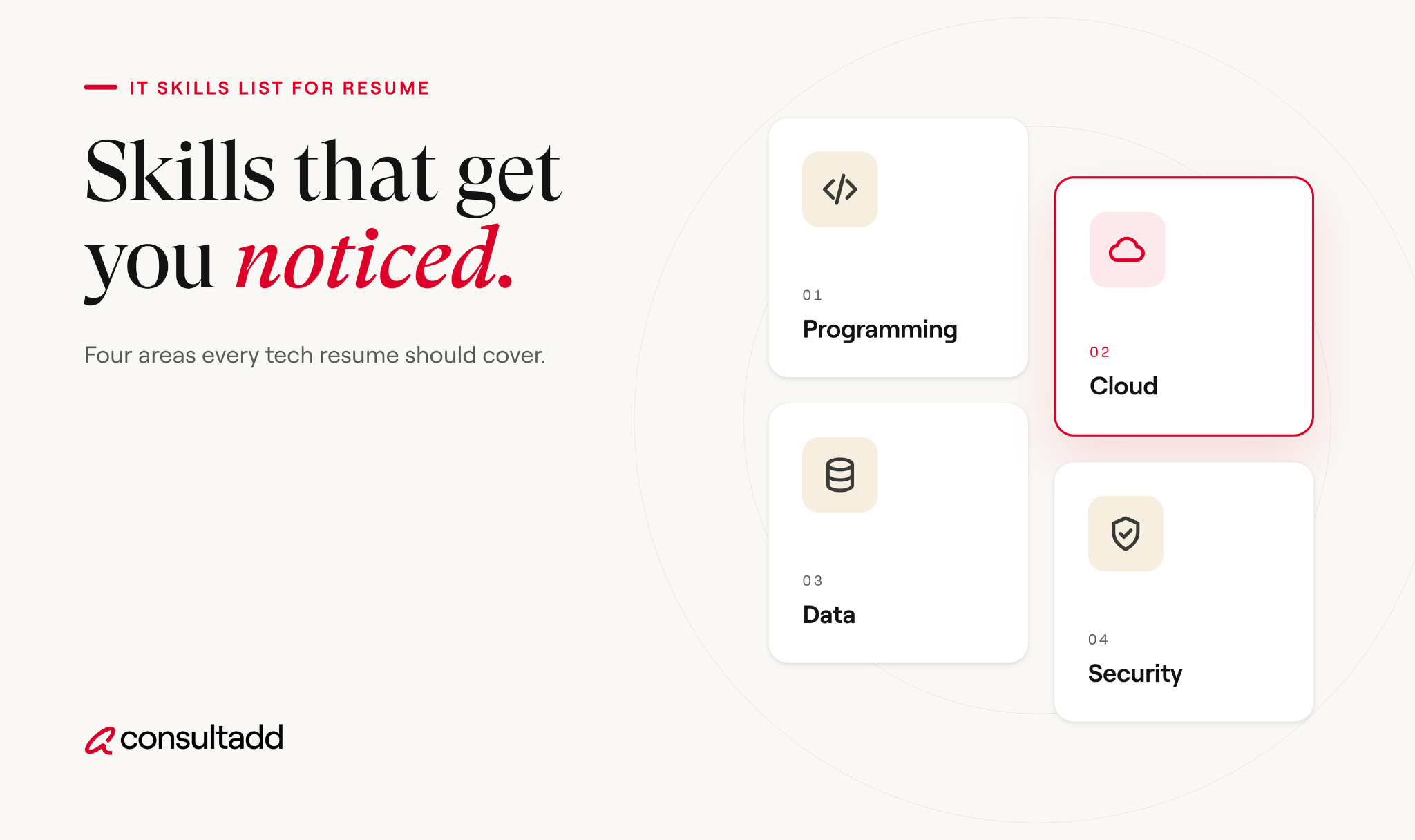
In practice, an IT skills section usually covers four things:
- Languages such as Python, Java, JavaScript, or SQL
- Platforms and tools such as AWS, Docker, Jira, or ServiceNow
- Methods and concepts such as CI/CD, REST APIs, Agile, or incident response
- Certifications if you don't have a separate section for them
Hard skills vs soft skills
Hard skills are things someone can test: writing a SQL query, configuring a firewall, deploying a container. Soft skills are how you work: communicating with non-technical people, owning problems, working through ambiguity.
Soft skills still matter. They just read better as proof. "Wrote the runbook the on-call team used for 18 months" says more about communication than the word "communication" ever will.
Drop the skill bars
Progress bars and five-star ratings look tidy, but they don't mean anything. What does "4 out of 5 in Java" tell a hiring manager?
Many ATS tools also can't read graphics, so the skill itself may get lost. If you want to signal depth, use years or context instead, such as "Python (5 years, production APIs)."
IT skills list by role
Below is a starting list for common IT roles. Don't copy a whole row. Pick the skills you can actually talk about in an interview, then trim to what the job post asks for.
The demand behind these lists isn't slowing.
The U.S. Bureau of Labor Statistics projects employment of software developers, quality assurance analysts, and testers to grow 15% from 2024 to 2034, and the BLS projects 34% growth for data scientists over the same decade.
More openings means more applicants too, which is why a clean, targeted skills section matters.
Skills that fit almost any IT resume
Some skills show up across nearly every technical role. If you have them, they're worth including:
- Git and version control
- SQL
- Linux command line
- A scripting language such as Python, Bash, or PowerShell
- Agile or Scrum workflows
- Technical documentation (Consultadd's guide to technical writing skills shows how to present this one)
How to format your IT resume skills section
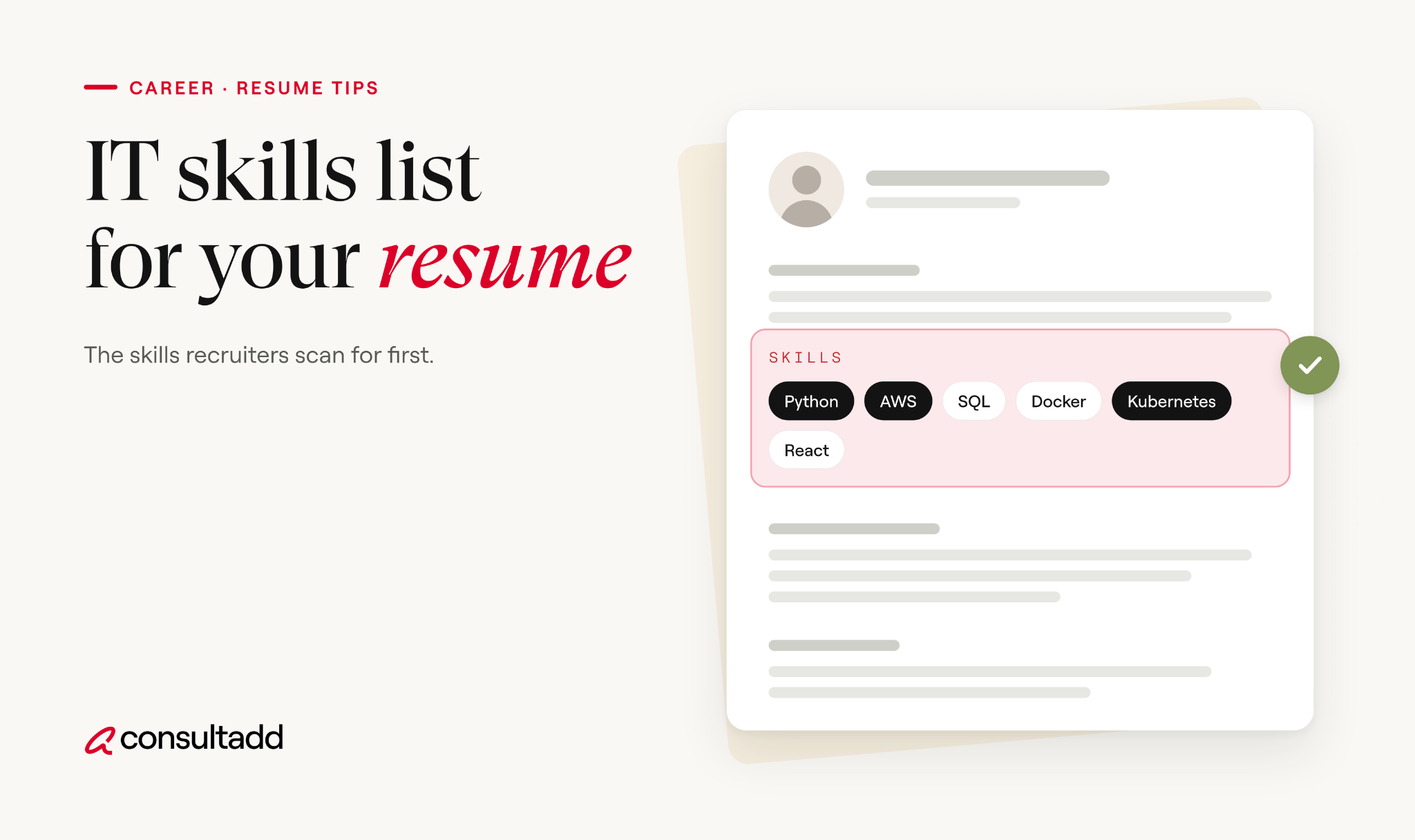
Recruiters skim. Group your skills under short labels so the eye can find what it's looking for.
Group skills by category
Here's what a grouped skills section looks like for a mid-level backend developer:
- Languages: Java, Python, SQL
- Frameworks: Spring Boot, FastAPI
- Cloud and DevOps: AWS (EC2, Lambda, RDS), Docker, GitHub Actions
- Databases: PostgreSQL, Redis
- Practices: REST API design, unit and integration testing, code review
And here's one for an entry-level IT support candidate:
- Support: Windows 10/11, macOS, hardware troubleshooting, printer and peripheral setup
- Systems: Active Directory, Microsoft 365 admin center, ServiceNow
- Networking: TCP/IP basics, DNS, VPN client setup
- Certifications: CompTIA A+, ITIL 4 Foundation
Notice what's missing: no paragraph, no ratings, no filler. Each line answers one question a recruiter might ask.
How many skills to list
For most people, 10 to 15 skills is enough. Senior engineers with broad experience might go a little higher, but past 20 the list starts to read like a keyword dump.
A useful test: could you answer a 10-minute technical question on every item? If not, cut it.
Where the skills section goes
For technical roles, put it near the top, right after your summary. Hiring managers for IT roles often check the stack before anything else. Career changers and new grads can keep it there too, since skills carry more weight when experience is thin.
How to tailor your skills to a job description
Sending the same skills section to every job is the most common mistake recruiters see. Tailoring takes about 10 minutes per application.
- Highlight every tool and skill in the job post. Focus on the "requirements" section first, then the "nice to have" list.
- Match exact wording. If the post says "Microsoft Azure," don't write only "cloud platforms." ATS software looks for the terms it was given.
- Reorder your groups. Put the categories the job cares about most at the top.
- Cut what doesn't fit. Your Ruby experience may be real, but it adds noise to a .NET role.
- Check your experience bullets. Every top skill should show up again in at least one bullet with a result.
If you're not sure which tools employers ask for most, the O*NET Hot Technologies list from the U.S. Department of Labor shows software skills that appear frequently across employer job postings. It's a good sanity check before you finalize your list.
The numbers in those bullets are examples. Use your own, and only use numbers you can explain if someone asks.
For more on writing proof-based bullets, see Consultadd's guide on key IT skills employers want and how to prove them.
Mistakes that get IT resumes filtered out
Recruiters at staffing firms review a lot of IT resumes, and the same problems come up again and again:
- Listing every tool from a five-year career, including ones you used once
- Using abbreviations the job post spells out, or the reverse
- Putting skills in a sidebar, table, or graphic that ATS software can't parse
- Including outdated tools like Flash or Windows XP unless the role needs them
- Listing a skill in the skills section that never appears in your experience
- Claiming "expert" in something you can't explain under pressure
That last one hurts the most. If Kafka is on your resume, expect a question about it. A shorter, honest list beats a long one that falls apart in the first technical screen.
Building your IT skills list for resume, one job at a time
Think of your IT skills list for resume use as a master list you edit, not a fixed block you paste. Keep a full version in a separate document with every skill you can defend.
For each application, pull the 10 to 15 that match the job post, group them, and make sure your experience bullets back them up.
If you're watching where the market is heading, Consultadd's look at IT staffing trends covers which skills companies are hiring for most.
And if your target role is in AI or language models, the guide to natural language processing jobs breaks down the specific skills those teams screen for.
Start Strong With Consultadd
With 15 years in business and 5,000+ successful staffing engagements, we don't just fill roles, we build reliability into your process. We've supported 65 staffing companies in the past year alone and maintain MSAs with industry leaders like Robert Half and TEKsystems.
Here's what working with Consultadd looks like:
- Talent sourced in under 24 hours
- Ready-to-deploy candidates, vetted for experience and compliance
- Lower turnover risk: we match long-term goals, not just short-term needs
- Seamless compliance: visa, documentation, onboarding? Handled.
- Dedicated 1:1 account managers for responsive, personalized support
- Top 100 candidate matches delivered in the past year
- Strong partnerships with universities to tap into fresh, committed talent
- Post-placement support so your investment grows beyond day one
For candidates, your next opportunity is more than just a job title, it's a chance to build skills, gain experience, and move your career forward. At Consultadd, we connect technology professionals with projects and employers that align with their goals, whether they're looking for contract, contract-to-hire, or long-term opportunities.
The tech job market moves fast, but the right guidance can make all the difference. Ready to take the next step in your career journey? Explore Opportunities >>
Key takeaways
- A strong IT skills list for a resume is short, grouped by category, and matched to one specific job post.
- Hard skills belong in the skills section, while soft skills work better as proof inside experience bullets.
- Use the job description's exact wording so ATS software can match your skills correctly.
- Replace skill bars and ratings with specific services, versions, or years of use.
- Every skill you list should be something you can discuss confidently in a technical interview.
FAQs
What IT skills should I put on my resume?
Put the technical skills, tools, and certifications that match the job you're applying for. Start with the requirements section of the job post and include the ones you can genuinely discuss. Common examples include SQL, Python, Git, AWS, Linux, and Active Directory, depending on the role.
How many skills should I list on an IT resume?
Most candidates should list 10 to 15 skills. That's enough to show range without burying the ones that matter. If your list runs past 20, it's probably time to cut tools the job doesn't ask for.
How do I list technical skills on a resume?
Group them under short category labels such as Languages, Cloud, Databases, and Tools. Use plain text rather than graphics or tables so ATS software can read them. Then mention your most important skills again in your experience bullets with results.
Should I include soft skills on an IT resume?
Yes, but show them instead of listing them. A bullet about leading a migration or training a new team member proves communication and ownership better than the words themselves. Keep the skills section for hard, testable skills.
Should I rate my skill levels on a resume?
It's better not to. Ratings like "4 out of 5" are subjective, and ATS software often can't read skill bars. Use specifics instead, such as years of experience or the services you've used.
What computer skills should I put on an entry-level IT resume?
Focus on troubleshooting, Windows and macOS support, Microsoft 365, Active Directory basics, networking fundamentals like DNS and TCP/IP, and any ticketing system you've used. A certification like CompTIA A+ helps when experience is limited. Home labs and school projects count too, as long as you can explain what you built.