

Introduction
Most teams know their time to fill. Very few know which part of it is the problem. A 55-day average doesn't tell you whether the role sat in approval for two weeks, whether sourcing came up empty, or whether a strong candidate waited nine days for interview feedback.
This guide breaks time to fill into stages so you can see where your hiring days actually go. It includes a simple audit you can run on your last ten hires, a way to estimate what a slow fill costs, and specific fixes for the stages that stall IT roles most often.
If you need the basic formula or industry benchmarks, our comparison of time to hire vs time to fill covers those in detail.
TL;DR
- A single time to fill number hides the real problem. Splitting it into stages shows where the days are lost.
- The federal government already uses a stage-based model with suggested days per step, and private teams can borrow the approach.
- Auditing your last ten hires by stage takes an afternoon and usually shows one or two stages causing most of the delay.
- In IT hiring, the slowest stages tend to be intake and approval, sourcing for niche skills, and offer or compliance steps.
- Put a daily cost on vacancy so delays become a business conversation, not just a recruiting complaint.
What the time to fill metric actually captures
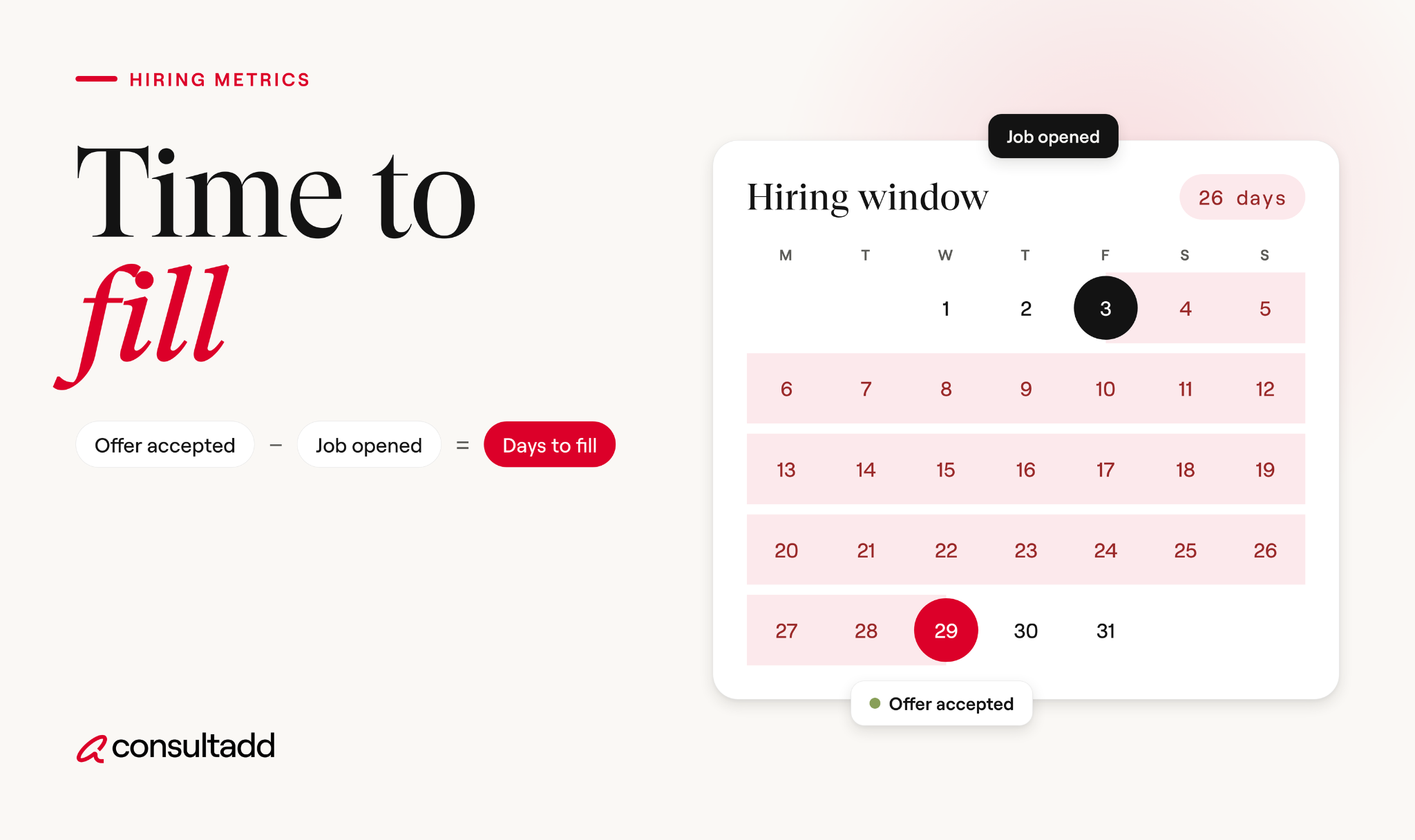
Time to fill counts the calendar days from when a role is opened to when a candidate accepts the offer. That's the short version, and it's enough for this guide.
What matters more is agreeing on the exact start and end events. Some teams start the clock when a hiring manager asks for headcount.
Others start it when HR approves the requisition or when the job is posted. Some stop at offer acceptance, and others stop at the start date.
Pick one definition and write it down. If two recruiters measure differently, stage-level analysis falls apart, because you're comparing different things.
Time to fill by stage: borrowing the federal model
The clearest public example of stage-based hiring measurement comes from the U.S. Office of Personnel Management. Its End-to-End Hiring Initiative sets an 80-day hiring standard and tracks the share of employees hired within that window.
OPM notes that the days assigned to each step are suggestions, and agencies can shift them as long as the total stays within 80 days.
Here's how one agency, USDA's Farm and Foreign Agricultural Services, mapped that model:
You don't need to copy federal steps. The useful idea is the structure. Every stage has an owner and a time budget, so when hiring runs long, you can point to the stage that broke.
Keep in mind that the federal model measures all the way to the start date, which is later than where most private teams stop the clock.
Even with a budget per stage, delays happen. OPM set the 80-day target, but federal agencies averaged 105.8 days at the 2016 and 2017 peak and 98.3 days in 2018. Having a model doesn't fix time to fill on its own. It shows you where to look.
How to audit your average time to fill
You don't need new software for this. An ATS export or even a shared spreadsheet works.
Pull your last ten filled roles, ideally from the same job family, such as software engineering or data. Then record the date each role hit these milestones:
- Headcount requested by the hiring manager
- Requisition approved
- Job posted or sent to recruiters and partners
- First qualified candidate submitted to the hiring manager
- First interview held with the eventual hire
- Final interview completed
- Offer extended
- Offer accepted
Now calculate the days between each milestone and average them across the ten roles. The result will look something like this:
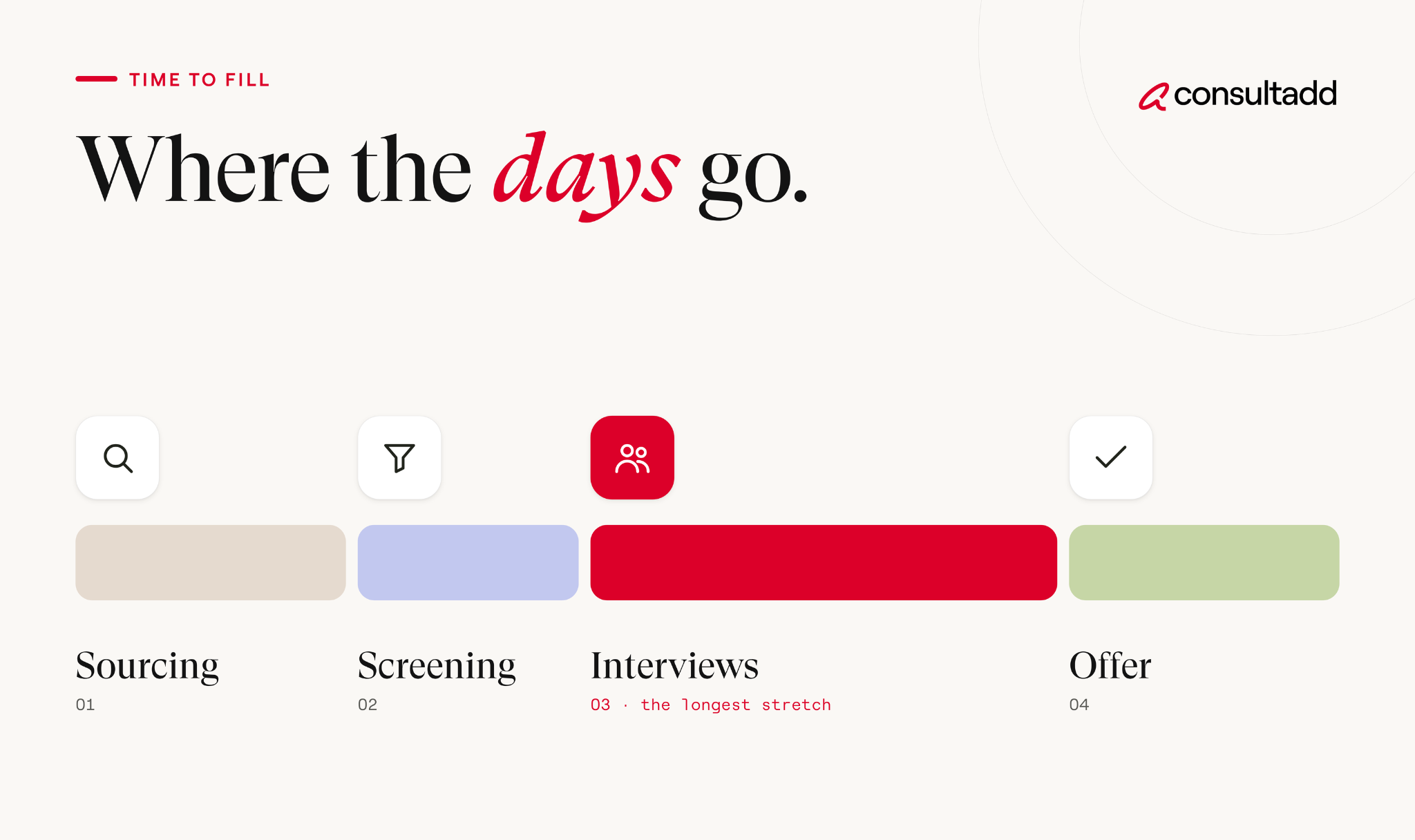
In most audits, one or two stages account for most of the delay. That's good news, because it means you can fix a specific problem instead of trying to speed up everything at once.
One tip from recruiters who run these audits often: look at the range, not just the average. If sourcing takes 4 days for some roles and 30 for others, the question isn't "why is sourcing slow?" It's "which roles are hard to source, and why?"
How to reduce time to fill for IT roles, stage by stage
Tech hiring has its own pressure points. Skill sets are narrow, candidates often have multiple offers, and contract roles come with extra compliance steps.
Here's where to focus once your audit shows the slow stage:
1. Intake and approval
A lot of delay happens before a single candidate is contacted. The fix is a 30-minute intake meeting between the recruiter and hiring manager on day one.
Settle four things in that meeting: the must-have skills, the nice-to-haves, the salary or bill rate range, and who has final say on the hire. When these are fuzzy, the search restarts halfway through. That's one of the most expensive mistakes in IT hiring, because the calendar keeps running.
It also helps to keep pre-approved job templates for roles you hire often, like Java developers or cloud engineers. Starting from a template cuts days out of the launch stage.
2. Sourcing
Sourcing is usually the longest stage for niche tech roles. A posted job for a Kubernetes specialist or a Salesforce architect may not get many qualified applicants no matter how well it's written.
A few things make a real difference:
- Go back to strong finalists from past searches. A candidate who came second six months ago may be available now.
- Keep a warm pipeline for roles you fill every quarter, even when nothing is open.
- Bring in a staffing partner early for hard-to-fill skills, rather than after the posting has been live for a month.
3. Screening and interviews
Once candidates arrive, the delay usually shifts to the hiring team. Shortlists sit in inboxes, and interviews get scheduled a week out.
Try blocking recurring interview slots on the hiring team's calendars while a role is open. Some teams run a single "interview day" where the candidate meets everyone in one session.
For a structured way to design those rounds, see our guide to IT staffing best practices.
4. Offer, compliance and acceptance
This last stretch gets less attention than it should. Offers wait on compensation approval, and contract hires wait on documentation, background checks or work authorization review.
Pre-approve salary or rate bands before interviews start, so the offer goes out within a day of the final interview.
Start background checks and paperwork as soon as a verbal yes comes in, instead of waiting for every signature first. And keep your second-choice candidate warm until the start date. Offers do fall through.
Putting a price on the cost of vacancy
Recruiters often know time to fill is too long but struggle to get leadership to act. Putting a daily cost on an empty seat changes that conversation.
There's no universal number, but you can build a rough estimate for your own roles:
The numbers above are hypothetical, not a benchmark. Use your own finance team's estimate of what the role produces. Even a rough figure helps a hiring manager see why a nine-day wait for interview feedback isn't a small thing.
Labor market conditions add pressure too. The U.S. Bureau of Labor Statistics reported 7.3 million job openings in July 2026, according to its latest JOLTS release.
With that many open roles competing for talent, strong tech candidates rarely wait around for slow processes.
When a staffing partner shortens time to fill (and when it won't)
A staffing partner helps most in the sourcing stage, because they start with candidates who are already screened and available.
For contract and contract-to-hire roles, they can also take on compliance and onboarding paperwork, which speeds up the final stage.
A partner won't fix slow internal stages. If requisitions sit in approval for two weeks or interview feedback takes ten days, you'll get great candidates faster and then lose them at the same bottleneck. Run your audit first so you know which problem you're paying to solve.
If you're comparing options, our review of the best IT staffing firms explains what to look for.
It's also worth reading why IT contract staffing works as a business strategy, since a contract hire can fill the seat while a permanent decision takes longer.
Setting a time to fill target you can actually hit
A useful time to fill target is built from your own stage data, not borrowed from a national average. Start with your audit, then set a time budget for each stage, the way OPM's model does. Give every stage an owner, and review the numbers monthly by job family.
Aim to improve the slowest stage first. Cutting a two-week approval delay to three days will do more for your time to fill than shaving a day off every other step. Once that stage is under control, the audit will show you the next one.
Start Strong With Consultadd
With 15 years in business and 5,000+ successful staffing engagements, we don't just fill roles, we build reliability into your process. We've supported 65 staffing companies in the past year alone and maintain MSAs with industry leaders like Robert Half and TEKsystems.
Here's what working with Consultadd looks like:
- Talent sourced in under 24 hours
- Ready-to-deploy candidates, vetted for experience and compliance
- Lower turnover risk: we match long-term goals, not just short-term needs
- Seamless compliance: visa, documentation, onboarding? Handled.
- Dedicated 1:1 account managers for responsive, personalized support
- Top 100 candidate matches delivered in the past year
- Strong partnerships with universities to tap into fresh, committed talent
- Post-placement support so your investment grows beyond day one
For candidates, your next opportunity is more than just a job title, it's a chance to build skills, gain experience, and move your career forward. At Consultadd, we connect technology professionals with projects and employers that align with their goals, whether they're looking for contract, contract-to-hire, or long-term opportunities.
The tech job market moves fast, but the right guidance can make all the difference. Ready to take the next step in your career journey? Explore Opportunities >>
Key takeaways
- Break time to fill into stages with a clear owner and time budget for each, so delays can be traced to a specific step.
- Audit your last ten hires by milestone. One or two stages usually cause most of the delay.
- For IT roles, focus on intake clarity, early sourcing for niche skills, blocked interview time and pre-approved offer ranges.
- Estimate a daily cost of vacancy with your finance team to make hiring delays a business priority.
- Use staffing partners to speed up sourcing and compliance, but fix slow internal approvals and feedback first.
FAQs
What is a good time to fill for IT roles?
It depends on the seniority and how niche the skill set is. Senior or specialized tech roles usually take longer than general roles. Track your own time to fill by job family over several quarters and aim to improve on that trend, rather than chasing a single industry number.
How do you calculate time to fill?
Count the calendar days from the date the role is opened to the date the candidate accepts the offer. For an average, add up the days for all hires in a period and divide by the number of hires.
What causes a long time to fill?
The most common causes are unclear role requirements, slow requisition approval, a thin talent pool for niche skills, and slow feedback from hiring managers. Offer approvals and background checks can add days at the end. A stage-by-stage audit shows which of these applies to your team.
How can I reduce time to fill quickly?
Start with the slowest stage in your audit, since that's where you'll recover the most days. Quick wins include a day-one intake meeting, pre-approved salary ranges and blocked interview slots on hiring managers' calendars. For hard-to-fill roles, bringing in a staffing partner early also helps.
Does time to fill include onboarding?
Usually not. Most private employers stop the clock at offer acceptance. Some organizations, including federal agencies following OPM's model, measure through the start date, so check which definition a benchmark uses before comparing.
Is a shorter time to fill always better?
Not if speed comes at the cost of a bad hire. The goal is to remove waiting time, like delayed feedback or approvals, not to skip evaluation steps. Track quality of hire and early retention alongside time to fill so you know speed isn't hurting results.