
Hiring & Recruitment

Staffing Recruitment: How It Works And When To Use It
Introduction
A hiring manager needs three Java developers for a six-month project starting in two weeks. Posting the roles and waiting won't work.
That's the gap staffing recruitment fills: a staffing firm finds, screens and places people quickly, often as its own employees, so the client gets working talent without running the full hiring cycle.
This guide explains what staffing recruitment means, how it compares with direct recruiting, what actually happens on a staffing recruiter's desk, and how to tell whether it's the right fit for your next hire.
TL;DR
- Staffing recruitment is the work a staffing firm does to source, vet and place candidates into client roles, usually contract, contract-to-hire or direct hire.
- In contract staffing, the staffing firm is typically the employer of record, handling payroll, taxes and work eligibility checks.
- Recruiting in the traditional sense focuses on permanent hires, with the employer taking on the worker from day one.
- Good staffing recruiters track speed and quality together: time-to-submit, submittal-to-interview ratio, fill rate and early retention.
- Staffing works best for urgent, project-based or hard-to-fill roles. Ongoing, high-volume hiring programs may suit RPO better.
What is staffing recruitment?
Staffing recruitment is recruiting done by a staffing firm on behalf of a client company. The firm takes a job requirement, finds qualified candidates, screens them, submits the best few, and manages the placement once the client picks someone.
What separates it from in-house recruiting is the employment relationship. On a contract placement, the worker usually sits on the staffing firm's payroll while doing day-to-day work for the client.
The staffing firm runs payroll, handles taxes and benefits where offered, and completes employment eligibility paperwork.
The scale is bigger than many people expect:
According to the American Staffing Association, nearly 2.0 million temporary and contract employees worked for U.S. staffing companies in an average week in 2025, and staffing companies hired 9.5 million temporary and contract employees over the course of that year.
Staffing vs recruiting: what's the difference?
People use "staffing and recruitment" as one phrase, and most firms do some of both. But the two models work differently, especially around who employs the worker and how the firm gets paid.
Contract-to-hire sits between the two. The worker starts as a contractor on the staffing firm's payroll and converts to the client's payroll later if both sides want it.
For tech roles, it's a common way to reduce hiring risk.
If you're comparing staffing with advisory work instead, our post on IT staffing vs IT consulting covers when you need people versus when you need strategy.
How recruitment in staffing agencies actually works
From the client's side, staffing looks simple: send a requirement, get resumes, interview, hire. Inside the staffing firm, a lot happens between those steps.
Here's what a staffing recruiter's day-to-day looks like for a single requirement.
1. Requirement intake
The recruiter, or the account manager, gets the job requirement from the client or a vendor. A good intake call goes past the job description.
It confirms must-have skills, rate range, location or remote rules, work authorization limits, interview steps and how fast the client can make decisions.
A vague requirement is the most common reason a search stalls. "Senior Java developer" means very different things to a bank and a startup.
2. Sourcing
Recruiters pull candidates from several places at once: the firm's own database, consultants coming off projects, job boards, LinkedIn, referrals and supply partners.
Firms that place a lot of contract talent often keep a bench of available consultants.
Our guide to bench sales and hotlists explains how that pipeline works.
3. Screening and vetting
This is where staffing recruiters earn their fee. A short screening call confirms skills, project depth, availability, rate expectations and work authorization.
Stronger firms also run technical assessments and reference checks before submitting anyone.
Our explainer on what vetting a candidate means breaks down each check and why a resume alone isn't proof.
4. Submittal
The recruiter sends the client a short list, usually two to four candidates, with a summary of why each one fits. For contract roles, the candidate first signs a right to represent (RTR) that lets one firm submit them to one specific job. Duplicate submissions from two firms can disqualify a candidate, so the RTR matters.
5. Interviews and offer
The recruiter schedules interviews, preps the candidate, collects feedback from both sides and negotiates the rate or salary.
Speed matters here. Strong candidates often have more than one process running.
6. Onboarding and compliance
On a contract placement where the worker is on the staffing firm's payroll, the staffing firm is responsible for completing Form I-9.
USCIS I-9 Central has the official guidance on employment eligibility verification. The firm also handles background checks, contracts and payroll setup.
7. Post-placement check-ins
The work doesn't stop on day one. Recruiters check in during the first few weeks to catch problems early, from access issues to scope mismatches.
For the full client-side view, including timelines, see our step-by-step guide to the IT staffing process.
Where staffing recruitment usually breaks down
Staffing recruitment metrics worth tracking
Speed alone is a weak measure. A firm that sends ten resumes in a day but gets no interviews isn't helping anyone. These are the numbers good staffing teams watch together.
For context on time-to-fill, SHRM's 2026 recruiting benchmarking data puts the median at 39 calendar days for nonexecutive positions, down from 44 days in 2025.
Specialized technical roles often run longer, which is one reason companies bring in a staffing partner for them.
If you're evaluating a staffing firm, ask for their submittal-to-interview ratio, not just how many resumes they can send.
When staffing recruitment makes sense
Staffing recruitment isn't the answer to every hiring problem. It fits some situations far better than others.
It usually works well when:
- A project has a fixed scope and timeline, and you don't want permanent headcount for it.
- A role is urgent and an open seat is already slowing delivery.
- The skill set is specialized and your internal team doesn't source it often.
- You want to test fit before committing, using contract-to-hire.
- You'd rather not take on payroll, benefits and compliance for short-term workers.
It's often the wrong fit when:
Recruitment process outsourcing is built for that.
- The role is a core leadership position where culture and long tenure matter most.
- Your internal team already fills the role quickly and well.
The cost question deserves a real look. Contractor bill rates can look high next to a salary, but a full-time employee carries benefits, taxes and onboarding costs on top of pay.
Our breakdown of IT contract staffing costs and strategy walks through that math.
What candidates should know about staffing recruiters
Staffing recruitment isn't only an employer topic. For job seekers, it's often the fastest route into a project, especially in tech.
The American Staffing Association reports that 64% of staffing employees work through staffing companies to fill a gap between jobs or to help land a job.
A few things help candidates get more from working with a staffing recruiter:
- Ask who your employer of record will be, and whether the role is W-2, C2C or 1099.
- Confirm the pay rate, benefits and expected assignment length before signing anything.
- Read every RTR. It should name one specific job and client.
- Never let two firms submit you to the same role.
- Be honest about your skills. The recruiter's screening call is practice for the client's technical interview.
Reputable staffing firms are paid by the client, not the candidate. If a recruiter asks you to pay for a placement, treat that as a red flag.
How to choose a staffing recruitment partner
The right partner depends on your roles, volume and risk tolerance. Before signing with a firm, ask:
- Which roles and industries do you fill most often?
- How do you vet candidates before submission, and what checks happen before I see a resume?
- What's your typical time-to-submit and submittal-to-interview ratio for roles like mine?
- Are your candidates on your payroll, or do you work through subvendors?
- How do you handle work authorization, background checks and onboarding?
- What happens if a placement doesn't work out in the first few weeks?
Vetting deserves extra attention right now.
Our post on staffing recruiting industry challenges covers issues like AI-generated candidates and deepfake interviews that agencies now screen for.
For a balanced view of the trade-offs, read our candid breakdown of using a staffing agency for tech roles.
Making staffing recruitment work for you
Staffing recruitment works when both sides treat it as a partnership, not a resume feed. Clients get better results by giving clear requirements and fast feedback. Staffing firms earn trust by sending fewer, better-vetted candidates and staying involved after the start date.
If you're weighing it for your next hire, start with one question: is this a short-term gap, a role you want to test, or a permanent seat? The answer tells you whether contract, contract-to-hire or direct hire is the right path.
Start Strong With Consultadd
With 15 years in business and 5,000+ successful staffing engagements, we don't just fill roles, we build reliability into your process. We've supported 65 staffing companies in the past year alone and maintain MSAs with industry leaders like Robert Half and TEKsystems.
Here's what working with Consultadd looks like:
- Talent sourced in under 24 hours
- Ready-to-deploy candidates, vetted for experience and compliance
- Lower turnover risk: we match long-term goals, not just short-term needs
- Seamless compliance: visa, documentation, onboarding? Handled.
- Dedicated 1:1 account managers for responsive, personalized support
- Top 100 candidate matches delivered in the past year
- Strong partnerships with universities to tap into fresh, committed talent
- Post-placement support so your investment grows beyond day one
For candidates, your next opportunity is more than just a job title, it's a chance to build skills, gain experience, and move your career forward. At Consultadd, we connect technology professionals with projects and employers that align with their goals, whether they're looking for contract, contract-to-hire, or long-term opportunities.
The tech job market moves fast, but the right guidance can make all the difference. Ready to take the next step in your career journey? Explore Opportunities >>
Key takeaways
- Staffing recruitment means a staffing firm sources, vets and places candidates into a client's roles, often employing contract workers directly.
- Staffing and direct recruiting differ mainly in who employs the worker, how the firm is paid and how long the commitment lasts.
- Most of a staffing firm's value sits in intake, screening and post-placement follow-up, not just sourcing.
- Judge a staffing partner on submittal-to-interview ratio, fill rate and early retention, not resume volume.
- Use staffing for urgent, project-based or specialized roles, and consider RPO for large, ongoing hiring programs.
FAQs
What is staffing recruitment?
Staffing recruitment is the process a staffing firm uses to find, screen and place candidates in a client company's open roles. Placements can be contract, contract-to-hire or direct hire. On contract roles, the staffing firm usually employs the worker and handles payroll and compliance.
What is the difference between staffing and recruiting?
Staffing typically places workers on contract while the staffing firm stays the employer of record. Recruiting usually refers to finding permanent employees who join the client's payroll from day one. Many firms offer both, and contract-to-hire combines them.
How do staffing agencies get paid?
For contract placements, the agency bills the client an hourly rate and pays the worker a lower rate, keeping the difference to cover payroll costs, overhead and margin. For direct hire, the agency charges a one-time placement fee, usually a percentage of the hire's first-year salary. Candidates should not pay a reputable agency to be placed.
Is it better to use a staffing agency or hire directly?
It depends on the role. Staffing agencies make sense for urgent, short-term or specialized roles, or when you want to test fit through contract-to-hire. Direct hiring often works better for core long-term positions your internal team can fill well.
How long does staffing recruitment take?
A staffing firm with an active pipeline can often submit candidates within days for common contract roles. Total time-to-fill depends on the role's difficulty and how quickly the client interviews and decides. SHRM's 2026 benchmark puts the median time-to-fill for nonexecutive roles at 39 days across employers.
What does a staffing recruiter do?
A staffing recruiter takes a client's job requirement, sources candidates, screens them for skills and availability, and submits the best matches. They also schedule interviews, negotiate rates or salaries, coordinate onboarding and check in after the placement starts. The role mixes candidate relationships with client account work.

Skill Gap: What It Is, How to Measure It and Close It
Introduction
A project slips because nobody on the team has run a Kubernetes migration before. A new hire with a strong resume struggles with the cloud platform your company actually uses.
Neither of these is a performance problem. Both are a skill gap.
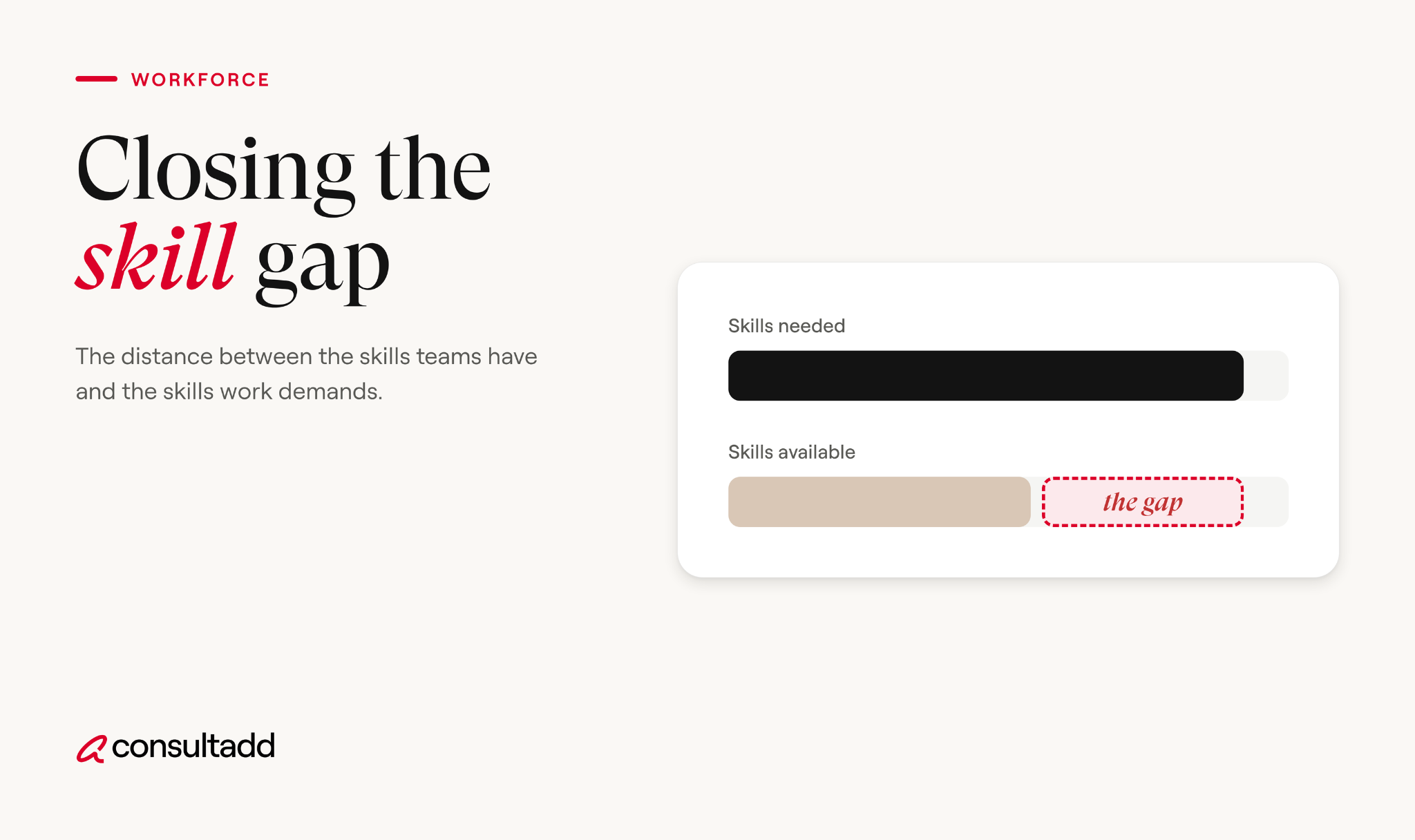
A skill gap is the difference between the skills a job or team needs and the skills people currently have.
This guide explains what causes skill gaps, how to spot and measure them with a skill gap analysis, and how to choose between training, hiring and contract talent to close them.
TL;DR
- A skill gap is the difference between the skills a role or team needs and the skills its people currently have.
- Skill gaps show up at four levels: individual, team, organization and the wider labor market.
- A skill gap analysis compares required skills against current skills, then ranks the gaps by business impact.
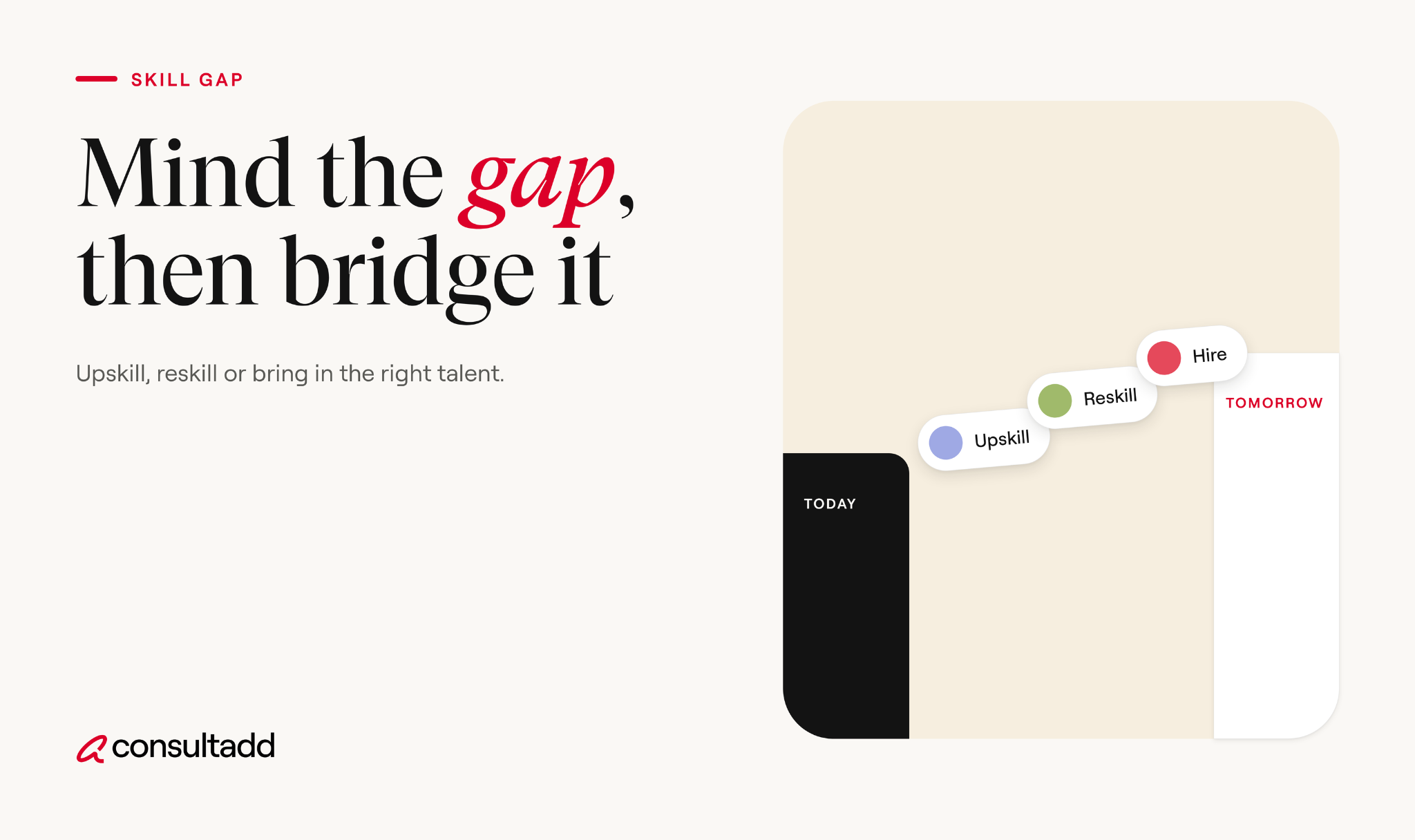
- You can close a gap by upskilling, reskilling, hiring, or bringing in contract specialists, and most companies use a mix.
- Fast-changing technology means a skill gap analysis isn't a one-time exercise; review it at least once a year.
What is a skill gap?
A skill gap is the mismatch between the skills needed to do a job well and the skills a person, team or workforce actually has.
It can be technical, like not knowing a specific programming language, or non-technical, like a senior engineer who can build systems but struggles to explain trade-offs to stakeholders.
The term gets used loosely, so it helps to know which level you're dealing with.
The labor market version is the one in the headlines. In the World Economic Forum's Future of Jobs Report 2025, 63% of surveyed employers named skill gaps as the main barrier to transforming their business over 2025 to 2030.
Skill gap vs capacity gap
Not every staffing shortfall is a skill gap. If your team knows how to do the work but doesn't have enough hours, that's a capacity gap. The fix is more people with the same skills.
A skill gap means nobody has done this kind of work before, so adding more of the same people won't help. Mixing these up is common and expensive.
Consultadd's guide to technical team augmentation breaks down how to tell capacity, skill and coverage gaps apart before you request help.
What causes a skill gap
Skill gaps rarely have a single cause. In our work placing tech professionals, a handful of drivers come up again and again.
Technology moves faster than training.
Tools, frameworks and cloud platforms change every year. Employers in the WEF survey expect 39% of workers' core skills to change by 2030. A team that was well matched to its stack three years ago may not be today.
New business priorities.
A company decides to launch an AI feature, move to the cloud, or enter a regulated industry. The work changes overnight; the team's skills don't.
Retirements and turnover.
When experienced people leave, they take knowledge with them, especially on older systems nobody else has touched.
Hiring for credentials instead of skills.
A degree or job title doesn't guarantee someone can do the specific work. Hiring on paper qualifications can create gaps on day one.
Too little time for learning.
Many teams are so busy delivering that training gets pushed aside. Skills fall behind slowly, then all at once.
Signs your team has a skill gap
Skill gaps often hide behind other problems. Look for these patterns:
- Projects that involve a new tool or platform consistently run late, while familiar work goes fine.
- The same one or two people get pulled into every hard problem.
- Teams lean heavily on vendors or outside consultants for routine decisions.
- Roles stay open for months because the requirements don't match who's available.
- New hires take far longer than expected to become productive.
- Quality issues, rework or security findings cluster around one area of the stack.
One useful check: ask team leads which tasks they'd be nervous to assign to anyone but a specific person. Those tasks usually sit right on top of a skill gap.
How to run a skill gap analysis
A skill gap analysis replaces guesswork with a clear list of what's missing and what matters most. Here's a process that works for a single team or a whole department.
1. Start with business goals
List the projects and priorities for the next 12 to 24 months. A skill gap only matters if it blocks something the business needs. Analyzing skills nobody plans to use wastes time.
2. Define the skills each role or project needs
For each priority, list the specific skills required, not vague categories. "Cloud" is too broad. "Designing and deploying containerized services on AWS with infrastructure as code" is useful.
The Department of Labor's O*NET OnLine database is a good starting point for standard skill definitions by occupation.
3. Assess current skills
Use more than one source. Self-assessments tend to be optimistic, so combine them with manager input, recent work samples, certifications and short practical tests where it makes sense. Rate each skill on a simple scale, such as 1 (none) to 4 (can teach others).
4. Compare and find the gaps
Put required and current levels side by side. The difference is the gap. Look at the team as a whole, not just individuals: a team may have one strong person in a skill, which is still a risk if that person leaves.
5. Rank gaps by impact and urgency
Not every gap needs closing right away. Prioritize gaps that block revenue, delivery dates, security or compliance.
6. Pick a fix for each gap
Decide whether to train, hire, or bring in contract help (covered in the next section). Assign an owner and a target date.
Here's a simple skill gap analysis template you can adapt:
Ways to close a skill gap
There are four main ways to close a skill gap. Each has a different speed, cost and level of risk.
Upskilling and reskilling
Training your existing people is usually the first move, and most employers plan to do it. The WEF found upskilling to be the most common planned workforce strategy, with 85% of surveyed employers expecting to use it over 2025 to 2030.
The scale is large: the report estimates that if the global workforce were 100 people, 59 would need training by 2030.
Training works best when it's tied to real work. A course followed by a project that uses the new skill sticks far better than a course alone. Pairing, internal workshops and job rotation are cheap and often underused.
Hiring for the skill
When a gap is permanent and central to the business, hiring is often the right call. The catch is speed. SHRM's 2026 benchmarking puts median time to fill for nonexecutive roles at 39 calendar days, and scarce technical roles often take longer.
Skills-based hiring, where you test for what candidates can do rather than where they studied, widens the pool.
Consultadd's roundup of hiring strategies companies are actually using covers how teams are making that shift.
Contract and project-based talent
When a gap is urgent or tied to one project, a contract specialist can close it in days. The best setups use the contractor to deliver the work and train the internal team at the same time, so the skill stays after the contract ends.
Consultadd's guide to project-based recruiting and staffing explains how these engagements are usually structured.
Most companies don't pick just one route. A common pattern is to bring in a contractor for an urgent project, upskill two internal people alongside them, and hire permanently if the need turns out to be long-term.
Skill gap examples in tech teams
These composite examples reflect situations we see often when companies come to us for help.
AI is where many of these gaps are showing up fastest. Consultadd's article on bridging the AI skills gap goes deeper on that specific challenge.
For a broader view of which skills employers are struggling to find, see IT staffing trends for 2026.
Closing your own skill gap as a professional
Skill gaps aren't only a company problem. If you're a tech professional, the same analysis works on your own career.
Compare five or six job postings for the role you want next against what you can do today. The skills that show up in most postings and that you can't yet demonstrate are your gaps.
Pick one or two and build real evidence: a project, a certification backed by hands-on work, or a production task at your current job.
Depth beats breadth. Recruiters trust a few skills you can discuss in detail more than a long list you've only touched.
Consultadd's guide to IT skills that get you hired covers how to prove skills on a resume and in interviews.
Measuring whether the gap is closing
Closing a skill gap should show up in results, not just in training completion numbers. Track a few indicators:
If training numbers go up but projects still stall, the training isn't reaching the actual gap. Revisit the analysis.
Closing the skill gap for good
A skill gap isn't a one-time problem you solve and forget. Technology, products and teams keep changing, so new gaps keep opening. The companies that handle this well treat skills like any other business resource: they measure them, plan for them and review them on a schedule.
Start small. Pick one team, run a skill gap analysis against next year's priorities, and choose a fix for the top two or three gaps. Then build the habit into your planning cycle.
Developing and retaining people once they've built new skills is the other half of the job, which Consultadd's strategic talent management framework covers in detail.
Start Strong With Consultadd
With 15 years in business and 5,000+ successful staffing engagements, we don't just fill roles, we build reliability into your process. We've supported 65 staffing companies in the past year alone and maintain MSAs with industry leaders like Robert Half and TEKsystems.
Here's what working with Consultadd looks like:
- Talent sourced in under 24 hours
- Ready-to-deploy candidates, vetted for experience and compliance
- Lower turnover risk: we match long-term goals, not just short-term needs
- Seamless compliance: visa, documentation, onboarding? Handled.
- Dedicated 1:1 account managers for responsive, personalized support
- Top 100 candidate matches delivered in the past year
- Strong partnerships with universities to tap into fresh, committed talent
- Post-placement support so your investment grows beyond day one
For candidates, your next opportunity is more than just a job title, it's a chance to build skills, gain experience, and move your career forward. At Consultadd, we connect technology professionals with projects and employers that align with their goals, whether they're looking for contract, contract-to-hire, or long-term opportunities.
The tech job market moves fast, but the right guidance can make all the difference. Ready to take the next step in your career journey? Explore Opportunities >>
Key takeaways
- A skill gap is the difference between the skills a role or team needs and the skills its people have, and it's different from a capacity gap.
- Skill gaps come from fast-moving technology, new business priorities, turnover and credential-based hiring.
- A skill gap analysis ties required skills to business goals, measures current levels, and ranks gaps by impact.
- Upskilling, reskilling, permanent hiring and contract talent each fit different gaps, and most companies combine them.
- Measure progress through delivery results and reduced dependence on single experts, not just training completions.
FAQs
What is a skill gap?
A skill gap is the difference between the skills required to do a job and the skills a person or team currently has. It can involve technical skills, like a programming language or cloud platform, or non-technical skills, like communication or leadership. Skill gaps can exist for individuals, teams, whole organizations or the labor market.
What are the main types of skill gaps?
Skill gaps are usually grouped by level: individual, team, organizational and labor market. They can also be grouped by skill type, such as technical skills, soft skills, and industry or domain knowledge. Identifying the type helps you choose the right fix.
How do you identify a skill gap?
Run a skill gap analysis. List the skills your goals require, assess current skill levels through manager input, work samples and practical tests, then compare the two. Warning signs include projects that stall on new technology and heavy reliance on one or two experts.
What causes skill gaps in the workplace?
Common causes include fast-changing technology, new business priorities, retirements and turnover, hiring based on credentials rather than skills, and too little time for training. Most skill gaps come from several of these at once.
How can companies close a skill gap quickly?
For urgent needs, contract specialists can start within days and close the gap for a specific project. Pairing them with internal staff helps the skill stay after the contract ends. For longer-term needs, combine upskilling with targeted hiring.
What is the difference between upskilling and reskilling?
Upskilling builds on someone's existing skills so they can do their current role better or take on more advanced work. Reskilling teaches someone new skills so they can move into a different role. Both are common ways to close skill gaps internally.

Talent Acquisition Strategy: How to Build One That Works
Introduction
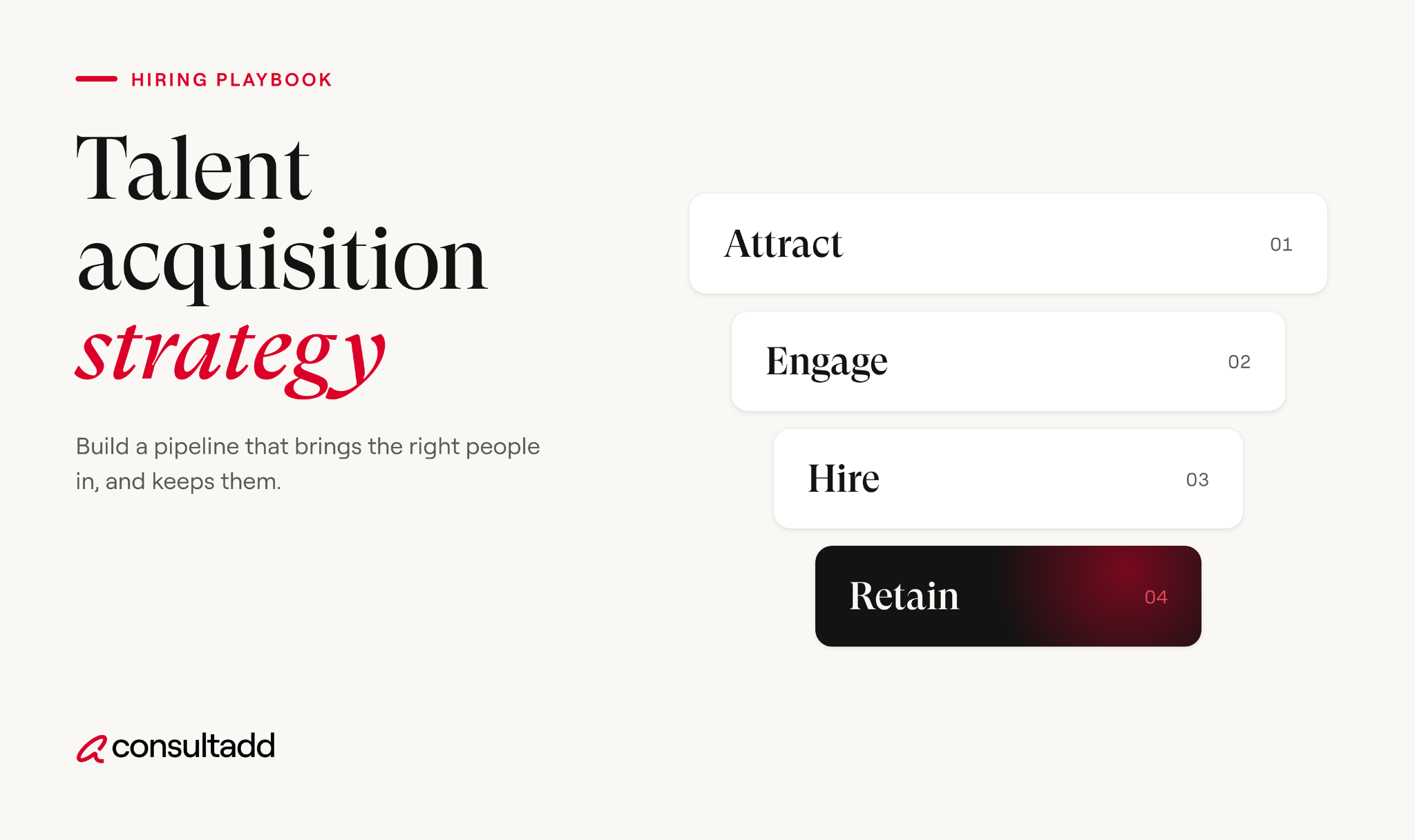
Most companies say they have a talent acquisition strategy. Ask to see it, and you'll usually get a list of open requisitions and a recruiting budget. That's a hiring plan for this quarter, not a strategy.
A real talent acquisition strategy answers a bigger question: what people will this business need over the next 12 to 24 months, and how will we get them?
This guide walks through how to build one in seven steps, with a one-page template, the metrics worth tracking, and the mistakes we see most often from the staffing side.
TL;DR
- A talent acquisition strategy is a long-term plan that ties hiring to business goals, while recruitment is the day-to-day work of filling open roles.
- Start from the business plan, not the requisition list, and decide which skills to build internally, hire permanently, or bring in on contract.
- Match sourcing channels to role types, since referrals, job boards, staffing partners and campus programs each suit different hires.
- Track a small set of metrics, including time to fill, quality of hire, offer acceptance rate and source of hire.
- Review the strategy every quarter, because hiring needs and the labor market both shift faster than annual plans.
What a talent acquisition strategy is
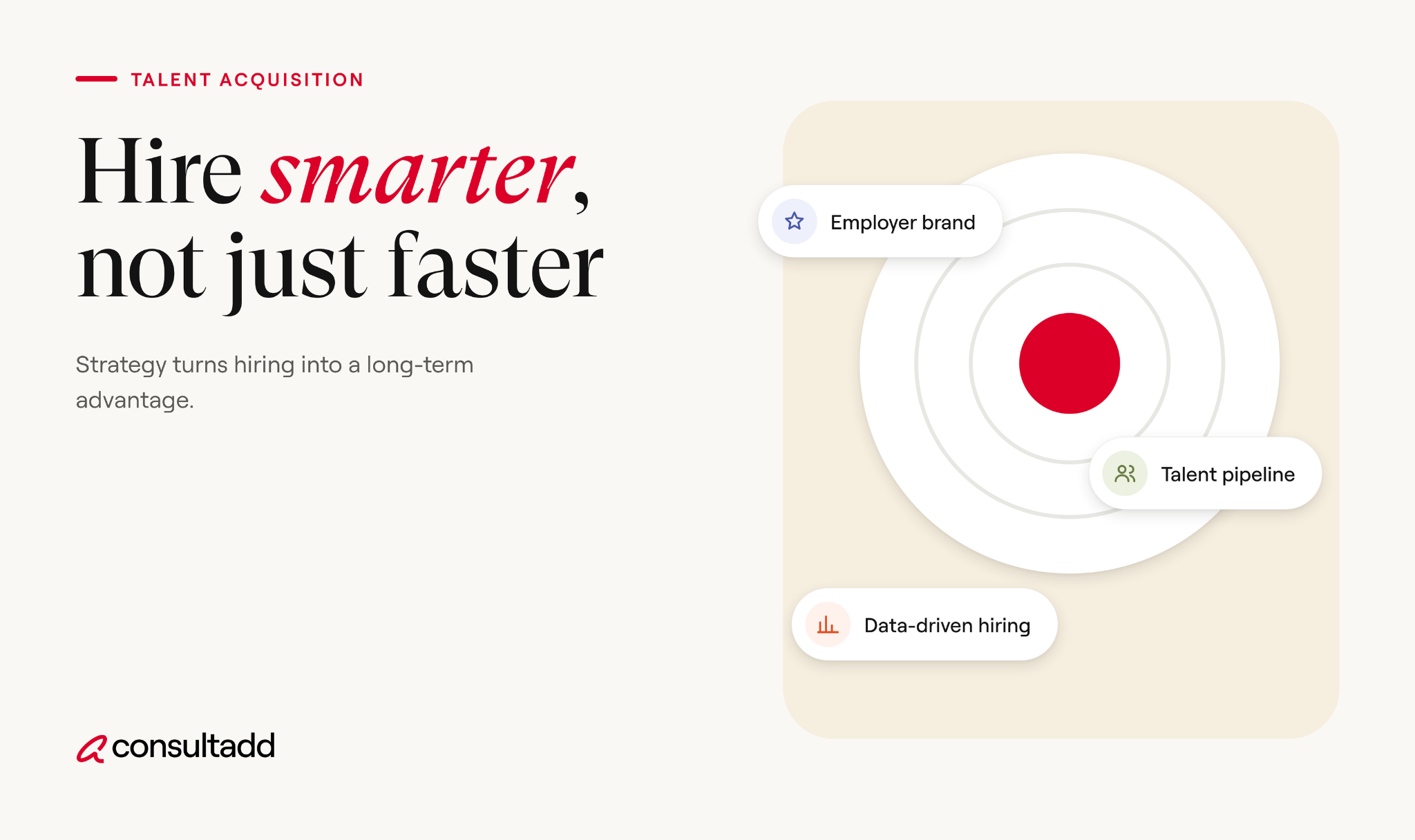
A talent acquisition strategy is a documented plan for how an organization will find, attract, assess and hire the people it needs to meet its goals.
It covers which roles matter most, where candidates will come from, how they'll be evaluated, what it will cost, and how success gets measured.
People often use "talent acquisition" and "recruitment" interchangeably. They're related, but the scope is different.
- Recruitment fills the roles that are open right now.
- Talent acquisition plans for the roles you'll need next year and builds the pipeline before the requisition exists.
Recruitment sits inside talent acquisition. You still need strong recruiting execution. The strategy just makes sure recruiters are working on the right roles, through the right channels, with a clear bar for what good looks like.
Why a written strategy matters in 2026
The hiring market has cooled from its 2022 peak, but it hasn't gotten simple. The Bureau of Labor Statistics reported job openings little changed at 7.1 million in August 2026. Competition for specialized skills, especially in tech, is still stiff.
Speed has improved for some roles. SHRM's 2026 benchmarking found median time to fill for nonexecutive positions fell to 39 calendar days from 44 in 2025, while executive roles held at 45 days.
Recruiters are carrying more, though. The same SHRM research found extra-large organizations saw a 67% jump in median requisitions per recruiter in 2026.
That combination is exactly why a strategy matters. When recruiters carry heavier loads, they default to whatever channel is fastest that week. Without a plan, you end up overspending on urgent hires and underinvesting in the pipelines that would have prevented the urgency.
You can read the full findings in SHRM's recruiting benchmarking brief.
How to build a talent acquisition strategy in 7 steps
1. Start from the business plan
Sit down with finance and business leaders before you look at a single requisition. Ask what the company plans to launch, grow, enter or shut down over the next 12 to 24 months. Then translate each plan into headcount and skills.
This is workforce planning, and it's the part most TA teams skip. A product team planning to add a mobile app in Q3 needs mobile engineers hired by Q2, which means sourcing in Q1. If TA hears about it in Q3, the launch slips.
Rank roles by business impact. A small number of critical roles usually drive most of the risk: revenue-generating positions, scarce technical skills, and leadership hires. Those get the most planning attention.
2. Decide what to build, buy or borrow
Not every skill gap needs a permanent hire. For each priority role, decide which of three routes makes sense.
In tech hiring, borrowing often makes sense for migrations, one-off integrations, and covering a team while a permanent search runs.
Consultadd's guide to strategic talent procurement goes deeper on planning the contract side of this mix.
3. Define role profiles and the hiring bar
Job descriptions copied from the last posting are one of the quietest sources of bad hires. For each priority role, define the outcomes the person must deliver in their first six to twelve months, then work backward to the skills needed.
Separate must-haves from nice-to-haves. Many teams are shifting from degree requirements toward skills-based evaluation, which widens the pool without lowering the bar.
Agree on a structured interview plan: the same core questions and a shared scorecard for every candidate in a role. It makes comparisons fair and decisions faster.
4. Pick sourcing channels by role type
Different roles fill best through different channels. A good talent acquisition strategy assigns channels deliberately instead of posting everything everywhere.
To widen the candidate pool, Consultadd's piece on building a diverse talent pool covers sourcing beyond the usual channels.
For hiring at scale, see the high volume hiring strategy guide.
5. Design the process and candidate experience
Map every stage from application to offer, and set a target time for each. Most delays happen between stages, not inside them: a resume sits for a week, or interview feedback takes four days to come in.
Set service levels with hiring managers, such as feedback within 24 hours of an interview. Keep the number of interview rounds proportional to the role.
Tell candidates what to expect at each step. Strong candidates often have more than one offer, and a slow or silent process loses them.
Employer branding fits here too. Candidates research you before they reply to a recruiter. Make sure your careers page, job posts and employee reviews tell a consistent, honest story about the work.
6. Choose a small set of metrics
Track fewer metrics, and actually use them. These five cover most of what leadership needs to know.
The cost per hire formula follows the ANSI/SHRM standard, which divides internal plus external recruiting costs by the number of hires. For context, SHRM puts the 2026 median cost per hire at $1,300 for nonexecutive roles and $15,000 for executive roles.
Time to fill is the metric leaders ask about most, but it means little alone. A fast hire who leaves in four months costs more than a slower one who stays.
Consultadd's breakdown of average time to hire benchmarks explains how to measure it properly and where delays usually come from.
7. Review and adjust every quarter
A talent acquisition strategy written in January is partly wrong by April. Budgets change, projects get cut, and a key manager resigns.
Hold a quarterly review with business leaders to check the plan against reality.
Look at three things: whether priority roles are on track, which channels are delivering quality hires, and what's changed in the business plan. Shift budget toward what's working. Drop what isn't.
A one-page talent acquisition strategy template
You don't need a 40-page document. A one-page summary that leaders actually read is more useful. Here's a structure you can copy into your own doc.
An example plan for a growing tech company
Here's an illustrative example, a composite of situations we see often rather than a specific client.
A 300-person software company plans to launch a data analytics product in nine months. Leadership expects to need a data engineering team of six, two product managers, and four more customer success staff after launch.
A recruitment-only approach would open all twelve roles at once and push them to job boards. A strategic approach looks different:
- Build: Two backend engineers with data pipeline experience move to the new team, with a training budget.
- Buy: The team hires a data engineering lead and two senior data engineers permanently, sourced directly and through referrals, starting immediately because senior searches take longest.
- Borrow: Two contract data engineers join through a staffing partner for the first six months to meet the launch date, with an option to convert.
- Later: Customer success hiring starts three months before launch through job boards and referrals, so new staff are trained by go-live.
The result isn't just faster hiring. It's a team that lands when the business needs it, with less overspending on rush hires.
If you're planning heavy tech hiring, Consultadd's guide on recruiting top tech talent covers how to reach passive engineers.
Common mistakes to avoid
From the staffing side, we see the same patterns in companies whose hiring keeps running late.
Hiring is also only half of the picture.
Once people join, they need to be developed and retained, which is where Consultadd's strategic talent management framework picks up.
Making your talent acquisition strategy stick
A talent acquisition strategy works when it's short enough for leaders to read, specific enough for recruiters to act on, and reviewed often enough to stay accurate.
Start with the business plan, decide what to build, buy or borrow, assign channels by role type, and track a handful of metrics that link hiring to results.
If you only do one thing this quarter, get TA into the business planning conversation. Most hiring problems that look like recruiting failures are really planning failures that showed up late.
For tactics to run inside that plan, see the hiring strategies companies are actually using.
Start Strong With Consultadd
With 15 years in business and 5,000+ successful staffing engagements, we don't just fill roles, we build reliability into your process. We've supported 65 staffing companies in the past year alone and maintain MSAs with industry leaders like Robert Half and TEKsystems.
Here's what working with Consultadd looks like:
- Talent sourced in under 24 hours
- Ready-to-deploy candidates, vetted for experience and compliance
- Lower turnover risk: we match long-term goals, not just short-term needs
- Seamless compliance: visa, documentation, onboarding? Handled.
- Dedicated 1:1 account managers for responsive, personalized support
- Top 100 candidate matches delivered in the past year
- Strong partnerships with universities to tap into fresh, committed talent
- Post-placement support so your investment grows beyond day one
For candidates, your next opportunity is more than just a job title, it's a chance to build skills, gain experience, and move your career forward. At Consultadd, we connect technology professionals with projects and employers that align with their goals, whether they're looking for contract, contract-to-hire, or long-term opportunities.
The tech job market moves fast, but the right guidance can make all the difference. Ready to take the next step in your career journey? Explore Opportunities >>
Key takeaways
- A talent acquisition strategy is a 12 to 24 month plan that connects hiring to business goals, with recruitment as the execution layer.
- Workforce planning comes first: rank roles by business impact and start sourcing scarce skills well before the requisition opens.
- Use build, buy and borrow deliberately, since not every skill gap needs a permanent hire.
- Track time to fill, quality of hire, offer acceptance, source of hire and cost per hire, and judge speed alongside quality.
- Keep the strategy to one page and review it every quarter so it stays tied to the business.
FAQs
What is a talent acquisition strategy?
A talent acquisition strategy is a long-term plan for finding, attracting, assessing and hiring the people an organization needs to meet its goals. It covers priority roles, sourcing channels, the hiring bar, budget and metrics. Unlike a list of open jobs, it looks ahead 12 to 24 months.
What is the difference between talent acquisition and recruitment?
Recruitment focuses on filling roles that are open right now. Talent acquisition is broader and proactive, covering workforce planning, employer branding and pipeline building for future needs. Recruitment is one part of a talent acquisition strategy.
What are the key components of a talent acquisition strategy?
The core pieces are business-aligned workforce planning, build, buy or borrow decisions, clear role profiles, a sourcing channel mix, a defined hiring process, and a small set of metrics. A regular review cadence keeps the plan current.
How do you measure a talent acquisition strategy's success?
Track time to fill, quality of hire, offer acceptance rate, source of hire and cost per hire. Quality of hire, measured through performance and retention after 6 to 12 months, shows whether the strategy is producing the right people, not just fast hires.
What is the build, buy, borrow model?
It's a way to decide how to close each skill gap. Build means developing existing employees, buy means hiring permanently, and borrow means bringing in contractors or project-based talent. Most strong strategies use all three depending on the role and timeline.
How often should a talent acquisition strategy be updated?
Review it every quarter and do a fuller refresh once a year alongside business planning. Hiring needs change when projects shift, budgets move or key people leave. A quarterly check keeps recruiting focused on the roles that matter most.
.webp)
Retention of Employees: What Actually Keeps People Staying
Introduction
Turnover numbers look calm right now. That's the trap.
The U.S. quits rate was 1.9% in August 2026, according to the Bureau of Labor Statistics. That's low by recent standards. But low quits don't mean people are happy. They often mean people are waiting.
When the job market loosens, employees who stayed only out of caution tend to leave in a group.
Retention of employees is the work you do now, while people are still here, so they don't become part of that group. This guide covers why people actually leave, how to measure retention properly, and the specific fixes that move the numbers.
TL;DR
- Low quit rates in 2026 reflect a cautious job market, not strong retention. Disengaged employees are likely to leave once hiring picks up.
- The top reasons people quit are consistent: low pay, no path to advancement, and feeling disrespected at work.
- Managers have the most direct effect on whether people stay, more than perks or company-wide programs.
- Track retention rate, turnover rate, and early turnover (first 90 days) separately, because each points to a different problem.
- Many retention problems start in hiring. A clear role, honest job description, and good fit reduce exits before they happen.
Why retention of employees looks better than it really is
Gallup's 2026 State of the Global Workplace report puts U.S. employee engagement at 32%. That means roughly two out of three employees are not engaged in their work.
Put that next to a quit rate near its lowest level in years and you get a strange picture. People aren't leaving, but most aren't invested either.
Economists and analysts have called it a frozen market: low hiring, low quitting, and not much movement either way.
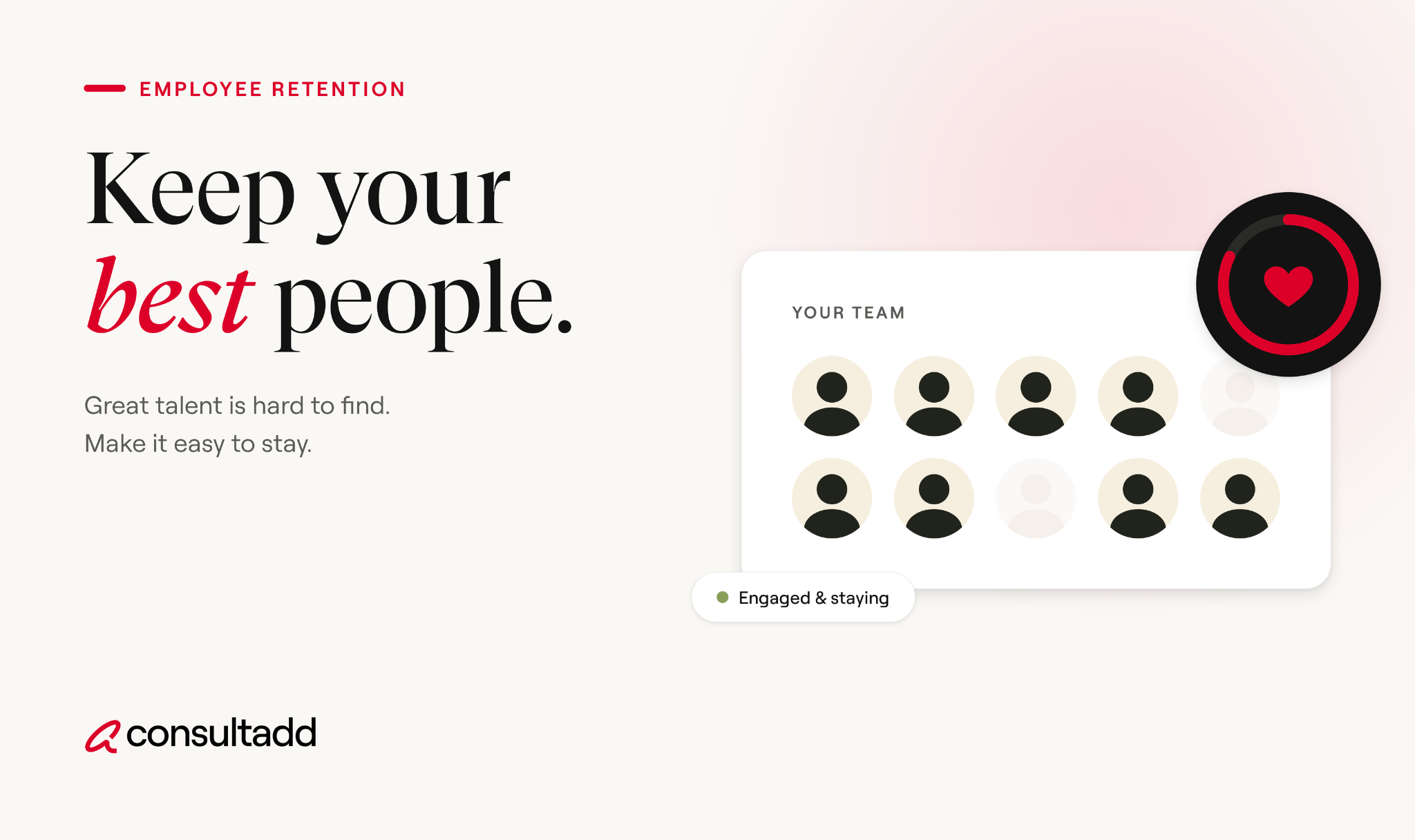
For employers, this creates a false sense of security. A team that "has no turnover" might actually have several people quietly updating their resumes. The time to fix retention is before that pressure releases, not after.
Why employees leave
The reasons haven't changed much in years. When Pew Research Center surveyed Americans who quit a job in 2021, majorities cited low pay (63%), no opportunities for advancement (63%), and feeling disrespected at work (57%).
About 39% also said they were working too many hours.
Notice what's missing from the top of that list: ping-pong tables, free lunch, and swag.
That last row gets overlooked. In staffing, a large share of early exits we see trace back to a gap between what the candidate was told and what the job turned out to be.
No retention program fixes a role that was misrepresented from day one.
How to measure employee retention properly
You can't improve retention if you're only tracking one number. Most teams look at annual turnover and stop there. That hides most of the useful information.
The core retention metrics
Early turnover deserves its own line on the report. If people leave in the first three months, the cause is almost always in the hiring process or onboarding, not in compensation or culture.
Lumping those exits in with five-year veterans hides the real problem.
Break the numbers down by manager
Company-wide averages hide hotspots. Split turnover by team and by manager. In most organizations, a handful of teams account for a large share of the exits. That's where the work is.
Employee retention strategies that work
There's no shortage of retention advice. Most of it is generic. The strategies below are the ones that consistently change outcomes, roughly in order of impact.
1. Fix pay before anything else
If someone is paid well below market, recognition programs won't keep them. Review pay against current market data at least once a year. Pay special attention to pay compression, where new hires come in earning close to or more than people who've been there for years. Tenured employees notice, and it's one of the fastest ways to lose them.
2. Give people a visible next step
"No opportunities for advancement" doesn't always mean people want a promotion. Often it means they can't see any future at all. A few practical steps:
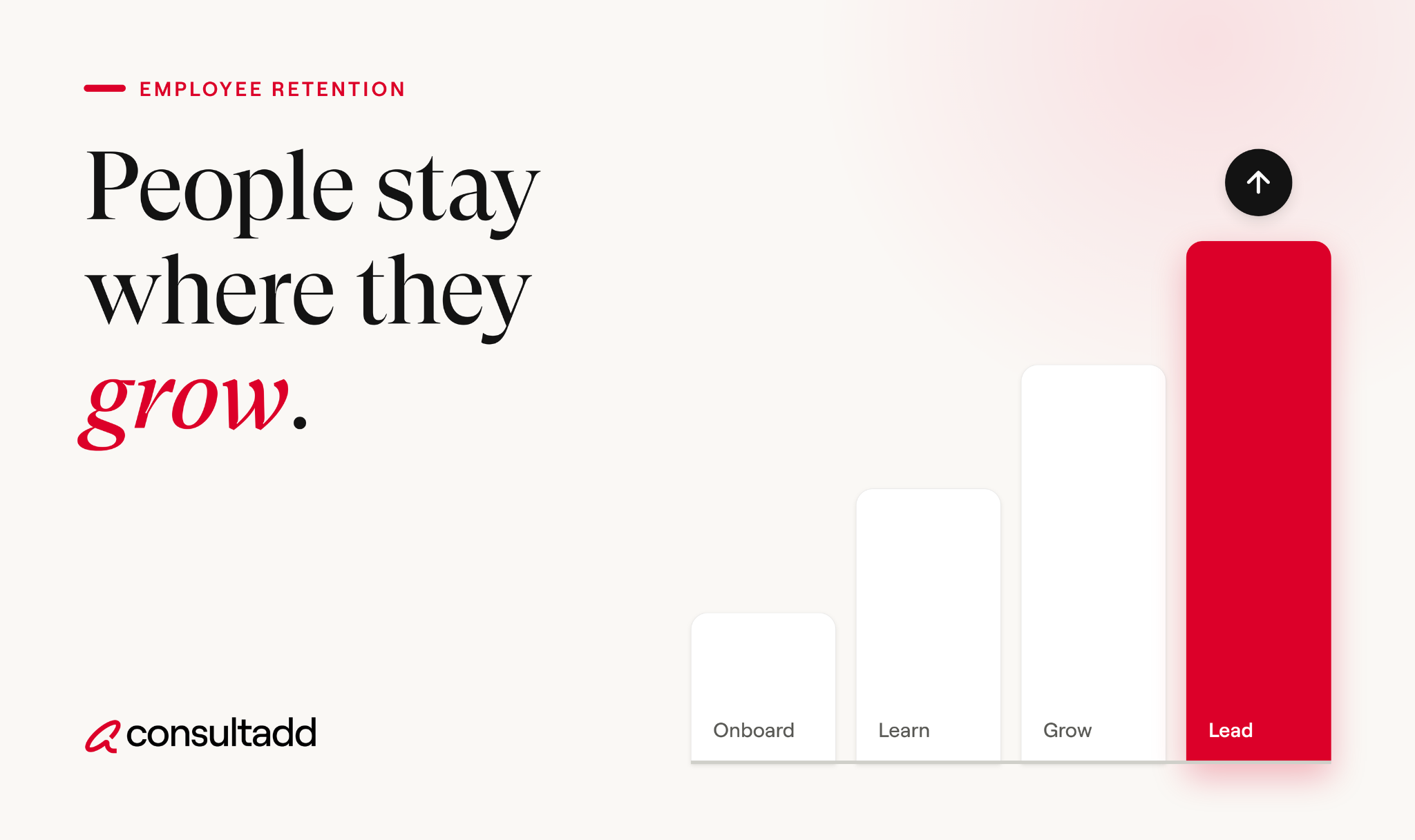
- Write down what the next level looks like for each role, including the skills it requires.
- Post internal openings before external ones, and actually consider internal candidates.
- Fund training tied to real business needs.
Consultadd's guide on closing skill gaps in your workforce covers how to build skills inventories that make this easier.
3. Train and hold managers accountable
Employees experience the company mostly through their manager. Gallup's research has repeatedly linked engagement to whether managers set clear expectations, recognize good work, and hold people accountable.
Managers rarely get trained on any of this. Start there. Then include team retention and engagement in how managers are evaluated.
If a manager's team turns over at twice the company rate, that should come up in their performance review.
4. Run stay interviews, not just exit interviews
Exit interviews tell you why someone left. By then it's too late. Stay interviews ask current employees what keeps them, what frustrates them, and what would make them leave.
Use both. Stay interviews work best when managers act on at least one thing the employee raised. If nothing changes, people stop being honest.
5. Get onboarding right
The first 90 days shape whether someone stays for years or leaves in months. A simple onboarding checklist helps:
The 30-day check-in matters most. It's where you catch a mismatch between the job description and the actual work before it turns into a resignation.
6. Respect people's time
Nearly four in ten people in the Pew survey who quit said they were working too many hours.
Chronic overtime usually means a role is understaffed or an open position has sat unfilled too long.
Backfilling quickly is itself a retention strategy, because the people covering the gap are the next ones to burn out.
Retention starts in the hiring process
Many retention problems are hiring problems that show up later. Robert Half's research found that 3 in 5 managers say a bad hire contributed to other employees leaving.
One wrong hire can push good people out.
A few hiring practices that directly improve retention:
- Describe the role honestly. Include the hard parts. Candidates who know what they're signing up for stay longer.
- Assess fit with the work, not just the resume. Ask about the kind of environment and pace where candidates do their best work.
- Use trial periods where it makes sense. Contract-to-hire arrangements let both sides test the fit before committing.
Consultadd's breakdown of the pros and cons of contract-to-hire staffing explains when this model reduces turnover and when it doesn't.
- Hire for range, not sameness. Inclusive teams tend to report higher engagement.
Our guide on diversity hiring strategies for tech teams covers how to build that into sourcing.
How staffing partners support talent retention
For tech teams that rely on contractors and consultants, retention looks a little different. The goal is keeping strong contractors engaged through the full assignment, and ideally redeploying or converting them afterward.
A good staffing partner helps in a few concrete ways. They match candidates on long-term goals, not just skills, so placements are less likely to end early.
They stay in contact after placement, which often surfaces problems before the contractor walks away. And they handle compliance and paperwork, which removes a common source of frustration for both sides.
If you're weighing whether you need staffing support, consulting support, or both, Consultadd's guide on IT staffing versus consulting companies lays out the differences.
Putting retention of employees into practice
You don't need a large program to improve retention of employees. Pick the two or three problems your data points to and fix those first.
If early turnover is high, look at hiring and onboarding. If one team keeps losing people, look at that manager. If tenured people are leaving, check pay compression and career paths. Then measure again in six months.
Retention is mostly unglamorous work: fair pay, honest roles, decent managers, and a reason to believe next year will be better than this one.
Start Strong With Consultadd
With 15 years in business and 5,000+ successful staffing engagements, we don't just fill roles, we build reliability into your process. We've supported 65 staffing companies in the past year alone and maintain MSAs with industry leaders like Robert Half and TEKsystems.
Here's what working with Consultadd looks like:
- Talent sourced in under 24 hours
- Ready-to-deploy candidates, vetted for experience and compliance
- Lower turnover risk: we match long-term goals, not just short-term needs
- Seamless compliance: visa, documentation, onboarding? Handled.
- Dedicated 1:1 account managers for responsive, personalized support
- Top 100 candidate matches delivered in the past year
- Strong partnerships with universities to tap into fresh, committed talent
- Post-placement support so your investment grows beyond day one
For candidates, your next opportunity is more than just a job title, it's a chance to build skills, gain experience, and move your career forward. At Consultadd, we connect technology professionals with projects and employers that align with their goals, whether they're looking for contract, contract-to-hire, or long-term opportunities.
The tech job market moves fast, but the right guidance can make all the difference. Ready to take the next step in your career journey? Explore Opportunities >>
Key takeaways
- Retention of employees should be addressed now, while quit rates are low, because disengaged employees tend to leave once the job market opens up.
- Pay, advancement, and respect drive most voluntary exits. Perks rarely change the outcome.
- Track early turnover, voluntary turnover, and regretted turnover separately, and break the numbers down by manager.
- Stay interviews and a structured first 90 days catch problems before they become resignations.
- Honest job descriptions and good hiring fit prevent many retention problems before they start.
FAQs
What is retention of employees?
Retention of employees is an organization's ability to keep its workers over a given period, along with the strategies it uses to do so. It's usually measured as a retention rate: the percentage of employees at the start of a period who are still there at the end.
What is a good employee retention rate?
It varies widely by industry, role type, and company size, so there's no single benchmark. Compare your rate against your own past performance and your industry's turnover data from the BLS JOLTS survey. A rising trend matters more than any one number.
What are the main causes of employee turnover?
The most common reasons are low pay, no clear path to advancement, and feeling disrespected at work. Excessive hours and a mismatch between the job description and the real role also drive many exits, especially in the first few months.
How can managers improve employee retention?
Managers have the most direct influence on whether people stay. Setting clear expectations, recognizing good work, holding regular one-on-ones, and acting on feedback from stay interviews all make a measurable difference.
What is the difference between retention rate and turnover rate?
Retention rate measures how many existing employees you kept over a period. Turnover rate measures how many people left as a share of average headcount, including people hired during that period. A company can have decent retention among long-time staff and still high turnover among new hires.
Does contract-to-hire help reduce turnover?
It can. A contract period lets both the employer and the worker test the fit before committing to a permanent role, which reduces early exits from mismatched hires. It works best when the conversion terms are clear from the start.
.webp)
Job Description Hiring Process Optimization: A Practical Guide
Introduction
Most hiring problems don't start with interviews. They start with the job description.
A vague or bloated job post attracts the wrong people, slows down screening, and burns recruiter hours on candidates who were never going to work out.
According to the U.S. Department of Labor, a single bad hire can cost up to 30% of that employee's first-year salary. For a $100,000 role, that's $30,000 gone before you factor in lost productivity and team disruption.
Job description hiring process optimization is the practice of tightening the link between what a job post says and what the hiring process actually needs. When the description is precise, every downstream step, from sourcing to offer, gets faster and more accurate.
This guide covers how to do that without overcomplicating things.
TL;DR
- A well-written job description directly reduces screening time, interview rounds, and bad hires.
- Most job descriptions fail because they list too many requirements, use vague language, or don't reflect the actual role.
- Structured descriptions with clear must-haves, realistic qualifications, and defined outcomes produce better applicant pools.
- Optimizing job descriptions is one of the cheapest ways to cut time-to-hire and improve quality of hire.
- Partnering with experienced staffing providers adds speed and vetting rigor that internal teams often can't match alone.
Why most job descriptions hurt the hiring process
The typical job description is written once, copied for years, and edited by three people who each add requirements without removing any. The result is a post that reads like a wish list rather than a real role.
Here's what goes wrong:
A SHRM Talent 2026 preview session noted that quality-of-hire misalignment often starts at the job profile and description stage. If the description is off, the entire hiring funnel inherits that error.
For a deeper look at where hiring stalls and why, Consultadd's guide on why hiring processes take so long breaks down the ten most common bottlenecks.
What job description hiring process optimization actually looks like
Optimization here isn't about adding more keywords or formatting tricks. It's about making the description do real work: filtering the right candidates in, filtering the wrong ones out, and giving recruiters a clear brief to screen against.
1. Start with the hiring manager, not an old template
The single biggest lever is a proper intake meeting between the recruiter and the hiring manager before the description gets written.
Consultadd's IT recruitment playbook calls this the intake stage and recommends spending 45 focused minutes producing a written must-have list, an agreed pay range, and a scorecard.
That scorecard becomes the backbone of the job description.
Without this step, recruiters end up guessing. And guessing produces vague posts.
2. Separate must-haves from nice-to-haves
One of the fastest ways to improve an applicant pool is to cut the requirements list in half and label what remains.
Most job descriptions list 12 to 15 requirements and treat them all equally. Research from LinkedIn and multiple hiring studies consistently shows that women and underrepresented candidates tend to apply only when they meet all listed qualifications.
Men are more likely to apply when they meet roughly 60%. A bloated list doesn't just slow hiring. It narrows the pool in ways most teams don't intend.
3. Write for the candidate, not for compliance
Job descriptions serve two audiences: the applicant and the recruiter. Most are written for neither. They're written for legal review or internal documentation.
A few practical fixes:
- Use "you" and "your" instead of "the ideal candidate" or "the successful applicant."
- Lead with what the person will do in the first 90 days, not a five-paragraph company overview.
- Keep sentences short. Eight to thirteen words per sentence is a good target for scanning.
- Replace jargon with plain descriptions. If the role involves "cross-functional stakeholder alignment," say "you'll work with engineering, product, and sales to agree on priorities."
Consultadd's guide on filling niche job roles goes deeper on writing descriptions for specialized positions where precision matters even more.
The connection between job descriptions and time-to-hire
SHRM's 2026 benchmarking data reports a median time-to-fill of 39 days for non-executive roles and 45 days for executive roles. Contract roles through staffing agencies can close in one to two weeks.
A well-optimized job description affects time-to-hire at multiple stages:
Time-to-hire doesn't just affect recruiting costs. It directly affects candidate quality.
According to Consultadd's analysis of hiring process timelines, the gap after the final interview is often the longest wait, and it's where top candidates take competing offers.
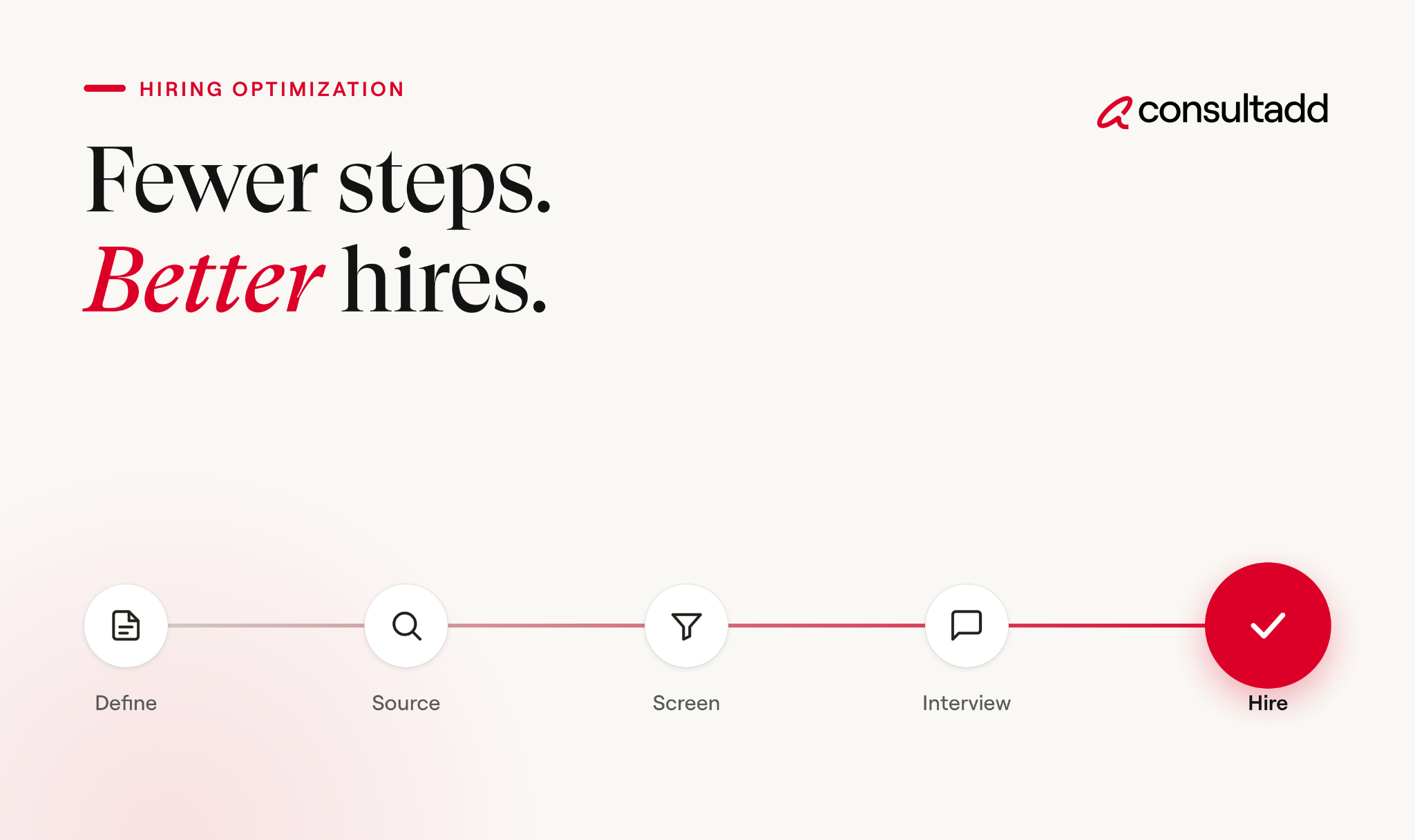
A step-by-step process for optimizing job descriptions
Here's a practical workflow that works whether you're a recruiter, hiring manager, or staffing partner.
1. Run an intake meeting. Sit down with the hiring manager. Document the actual work, the team, the tools, the budget, and what "good" looks like in six months. If you skip this, everything downstream gets harder.
2. Audit the existing description. Pull the last version used. Highlight anything vague, outdated, or duplicated. Remove requirements that don't predict job performance.
3. Write the first draft using the scorecard. Structure it as: what you'll do, what you'll need, what success looks like, what we offer. Keep it under 700 words. Job posts between 300 and 700 words tend to get the strongest application rates.
4. Test it against real candidates. Show the draft to one or two people already in the role or a similar one. Ask: does this sound like the actual job? If not, revise.
5. Add structured data for job boards. Use clear titles (no internal codes), include location, compensation range, and employment type. Google's job posting structured data guidelines specify exactly what fields help your listing appear in Google for Jobs.
6. Review after every hire. Track which description versions produced the best shortlists. Keep a running log of what worked and what attracted the wrong candidates.
Common mistakes to avoid
Even teams that understand the basics of job description hiring process optimization make predictable errors. A few to watch for:
- Copy-pasting between roles. Two different engineering roles shouldn't share the same description. Candidates notice, and it signals that the company doesn't know what it needs.
- Listing every technology ever used. A description for a backend engineer that lists 20 tools tells candidates that the team has no clear tech stack, or that the post was written by someone who doesn't understand the role.
- Ignoring the candidate's perspective. The description should answer: why should a good candidate want this job? If the only answer is "competitive salary and benefits," the post is doing no selling.
- Skipping the review cycle. Descriptions go stale. A post written in 2024 for a cloud engineer role might reference technologies or team structures that no longer apply. Quarterly reviews take 30 minutes and can prevent months of misaligned hiring.
How staffing partners improve the process
Internal teams can optimize their own descriptions. But staffing partners bring something most internal recruiters can't: volume pattern recognition.
A firm like Consultadd, which has completed over 5,000 staffing engagements and works with 65+ staffing companies, sees what works across hundreds of similar roles. That pattern recognition translates into faster shortlists, more accurate candidate matches, and fewer late-stage dropouts.
Here's where the partnership adds the most value:
- Pre-vetted candidates. A staffing partner with a ready pipeline can bypass the sourcing and initial screening stages entirely.
- Compliance handling. Visa documentation, onboarding paperwork, and regulatory checks are handled by the partner, not your hiring manager.
- Description feedback. Good partners push back on job descriptions that won't produce results. That feedback loop is worth more than most teams realize.
For organizations evaluating whether to involve a staffing agency, Consultadd's breakdown of the pros and cons of working with staffing companies covers the honest trade-offs.
Start Strong With Consultadd
With 15 years in business and 5,000+ successful staffing engagements, we don't just fill roles, we build reliability into your process. We've supported 65 staffing companies in the past year alone and maintain MSAs with industry leaders like Robert Half and TEKsystems.
Here's what working with Consultadd looks like:
- Talent sourced in under 24 hours
- Ready-to-deploy candidates, vetted for experience and compliance
- Lower turnover risk: we match long-term goals, not just short-term needs
- Seamless compliance: visa, documentation, onboarding? Handled.
- Dedicated 1:1 account managers for responsive, personalized support
- Top 100 candidate matches delivered in the past year
- Strong partnerships with universities to tap into fresh, committed talent
- Post-placement support so your investment grows beyond day one
For candidates, your next opportunity is more than just a job title, it's a chance to build skills, gain experience, and move your career forward. At Consultadd, we connect technology professionals with projects and employers that align with their goals, whether they're looking for contract, contract-to-hire, or long-term opportunities.
The tech job market moves fast, but the right guidance can make all the difference. Ready to take the next step in your career journey? Explore Opportunities >>
Key takeaways
- Job description hiring process optimization starts with a proper intake meeting between recruiters and hiring managers, not with a template.
- Cutting requirements to true must-haves and labeling nice-to-haves increases both the size and quality of your applicant pool.
- Descriptions written for candidates, not for internal documentation, convert better and reduce screening time.
- Tracking which descriptions produce the best hires creates a feedback loop that compounds over time.
- Staffing partners with high-volume pattern recognition can accelerate every stage from description to placement.
FAQs
How does a job description affect the hiring process?
The job description sets expectations for candidates, gives recruiters screening criteria, and provides interviewers a framework. A vague or inflated description leads to mismatched applicants, longer screening cycles, and higher rejection rates at every stage.
What is the ideal length for a job description?
Between 300 and 700 words. Posts in this range tend to get more qualified applications than either very short listings (which lack detail) or very long ones (which candidates abandon before finishing).
How often should job descriptions be updated?
At minimum, review them quarterly and always after a completed hire. Track which versions attracted the strongest candidates and use that data to refine future posts.
What's the difference between a job description and a job posting?
A job description is the internal document that defines a role's responsibilities, requirements, and reporting structure. A job posting is the external-facing version, written to attract candidates. The posting should be shorter, more engaging, and focused on what the candidate gets, not just what the company needs.
Can optimizing job descriptions reduce time-to-hire?
Yes. Clearer descriptions produce better-matched applicants, which means less time spent on screening, fewer unnecessary interview rounds, and faster offers. Teams that run a structured intake meeting and write against a scorecard typically see measurable reductions in time-to-fill.
Should staffing agencies write job descriptions for clients?
The best results come from collaboration. The hiring manager provides the context, the staffing partner provides market intelligence, and the description is written jointly. Agencies that simply post what the client sends tend to reproduce the same problems the client already had.

What Is Workforce Management? Meaning, Process, and Tools
Introduction
A contact center opens on Monday with eight agents when it needs fourteen. Calls back up, customers hang up, and by Thursday the same center is overstaffed and paying for idle time.
That gap between the people you have and the work in front of you is what workforce management exists to close.
So, what is workforce management? It's the set of processes and tools a business uses to put the right number of people, with the right skills, on the right work at the right time. In practice, that means forecasting demand, building schedules, tracking time, handling absences, and staying compliant with labor rules.
This guide covers how the process works, its core components, real examples, and what to look for in software.
TL;DR
- Workforce management (WFM) matches staffing levels and skills to actual demand, day by day and week by week.
- The process runs in a loop: forecast demand, schedule people, track time, manage absences, then measure and adjust.
- Core components include forecasting, scheduling, time and attendance, leave management, and compliance.
- WFM is operational and short-term, which separates it from long-range workforce planning and talent management.
- Good WFM software helps, but it only works when the data going in is accurate and managers act on it.
What is workforce management?
Here's a simple workforce management definition: WFM is how an organization makes sure it has enough of the right people working when the work needs doing, at a cost it can afford.
The term came from shift-heavy industries. It started in contact centers and other service businesses with large numbers of hourly workers, where a few too many or too few people on a shift has an immediate cost.
Today it applies to any organization that schedules people against changing demand, including hospitals, retailers, logistics firms, and IT services teams.
Gartner tracks WFM as its own software market, with separate categories for areas like contact center workforce management solutions and retail workforce management applications. That split tells you something useful.
WFM looks different depending on the work, but the basic job stays the same.
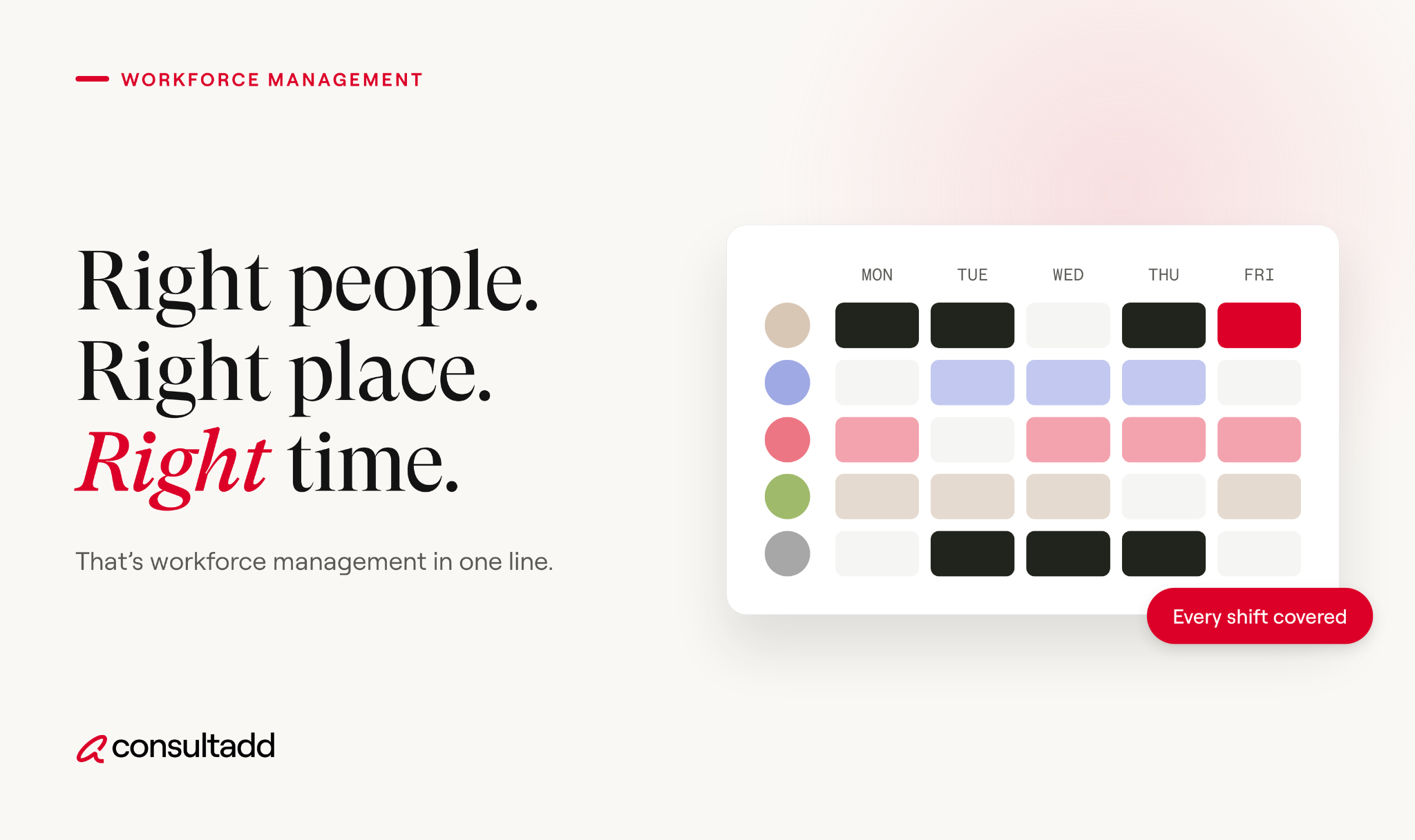
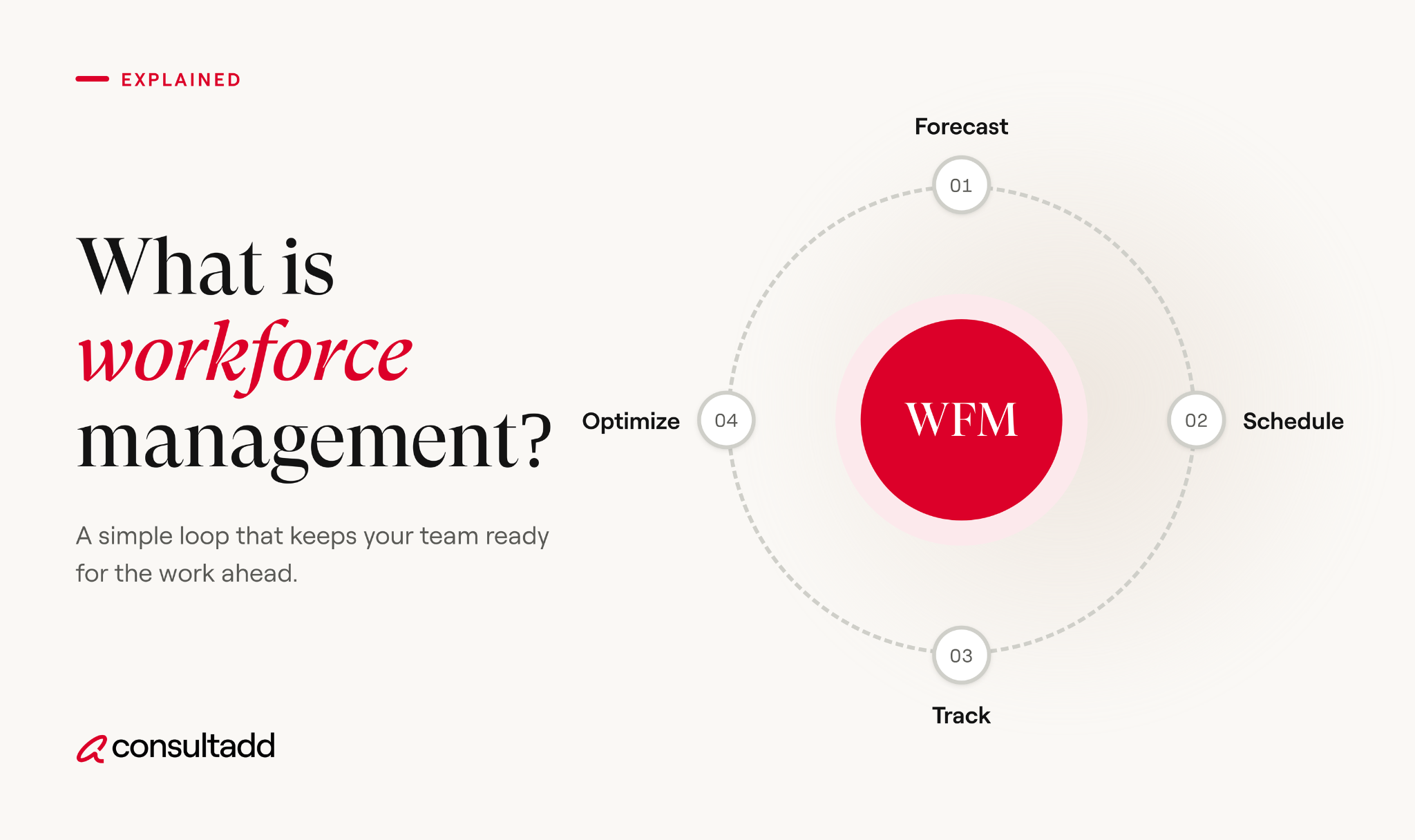
How the workforce management process works
The workforce management process is a cycle, not a one-time project. Each round feeds data into the next.
1. Forecast demand
Start by estimating how much work is coming. A contact center looks at call volume by hour. A retailer looks at foot traffic and sales. An IT services team looks at project pipelines and ticket volume.
Historical data is the usual starting point, adjusted for seasonality, promotions, product launches, and known events.
2. Build schedules
Turn the forecast into shifts or assignments. A good schedule covers demand, respects skills and certifications, follows labor rules, and accounts for employee availability and preferences.
This is where most of the tradeoffs happen. Covering every peak perfectly usually means paying for slack somewhere else.
3. Track time and attendance
Record when people actually work. This feeds payroll, shows where schedules and reality drifted apart, and creates the records labor law requires.
4. Manage leave and absences
Handle time-off requests, sick days, and no-shows. The goal is to approve leave with a clear view of how it affects coverage, instead of discovering the gap on the day.
5. Measure and adjust
Compare forecast to actual demand, and schedule to actual attendance. Then feed what you learned into the next forecast. Teams that skip this step tend to repeat the same staffing mistakes every quarter.
Core components of workforce management
Gartner breaks WFM software into five core functions: labor scheduling, time and work data collection, leave management, task and activity management, and time and attendance.
Most organizations add forecasting and compliance on top. Here's how the components of workforce management fit together.
Workforce management vs workforce planning vs talent management
These three terms get mixed up a lot, and they answer different questions.
Workforce management works inside the boundaries of the other two sets.
If you want the long-range view, our guide on what strategic workforce planning is and how to build a plan covers it in depth.
For hiring, development, and retention, see our strategic talent management framework.
Benefits of workforce management
The benefits of workforce management show up in a few concrete places.
Labor costs become more predictable. Overtime, idle time, and last-minute contractor spend all drop when schedules match demand more closely.
Service gets more consistent. Customers wait less when staffing tracks peak hours instead of a flat average.
Compliance risk goes down. Accurate time records and automated rule checks make it harder to miss overtime, breaks, or required records.
Employees often have a better week, too. Fair schedules posted in advance, easier shift swaps, and fewer surprise double shifts reduce burnout. That said, WFM done badly, with rigid schedules and no input from staff, can push turnover the other way.
Workforce management examples by industry
Workforce management examples look different by industry, but they all deal with the same tension between demand and cost.
Contact centers forecast call and chat volume in 15 or 30-minute intervals and schedule agents to match. They track schedule adherence closely, because one late lunch break can stretch wait times.
Retail schedules store associates around foot traffic, deliveries, and promotions. Many retailers also plan tasks like restocking for quieter hours.
Healthcare has to meet minimum staffing ratios and match credentials to every shift. A schedule that looks fine on headcount can still fail if the right certifications aren't on the floor.
IT services and consulting apply WFM to projects rather than shifts. The question is whether you have enough engineers with the right skills when a project kicks off, and what happens to them when it ends.
This is where contract and contract-to-hire talent often fill the gap between steady demand and spikes.
Common workforce management challenges
Bad data is the most common problem. A forecast built on incomplete history or messy time records produces confident-looking schedules that are wrong.
Compliance is the next one. In the U.S., the Fair Labor Standards Act requires covered employers to keep records for each non-exempt worker, including hours worked each day and total hours each workweek.
The U.S. Department of Labor's Fact Sheet #21 lists what those records must include. State and local rules, like predictive scheduling laws, add more layers.
Other common challenges include:
- Managing a mixed workforce of full-time employees, contractors, and remote staff in one view
- Skills gaps that make headcount look fine while key roles stay uncovered
- Managers overriding schedules informally, so the system no longer reflects reality
- Tools that don't integrate with payroll or HR systems
Skills gaps deserve a closer look, since they hide inside healthy-looking numbers.
Our post on understanding the skill gap and how to address it goes deeper on this.
How to choose workforce management software
Workforce management software ranges from simple scheduling apps to full suites built into HR platforms. The right choice depends on your workforce size, shift complexity, and compliance needs. Use this checklist when comparing options.
Run a pilot with one team before rolling out company-wide. Problems with data quality and manager habits show up fast in a small pilot and are much harder to fix at scale.
Where staffing partners fit into workforce management
Even a strong WFM program runs into moments where the forecast says you need people you don't have. A new client project lands, a key team member resigns, or demand spikes faster than internal hiring can move.
That's the gap staffing partners fill. In our work with IT and staffing clients, the requests that land on our desk usually follow a WFM signal: a forecast showing a skills shortfall six weeks out, or a project start date that internal recruiting can't meet.
Teams that track that data well tend to call earlier, which gives everyone more time to find the right fit.
Contract-to-hire is a common middle ground here. It lets you cover immediate demand and evaluate someone before committing long term.
Our breakdown of contract-to-hire pros and cons explains when it works and when it doesn't.
Conclusion
What is workforce management, in one line? It's the ongoing work of matching people to demand, and then checking whether you got it right.
Start small if you're building it from scratch. Clean up your time and attendance data, compare last quarter's schedules to actual demand, and fix the biggest mismatch first. Software helps you scale, but the habit of measuring and adjusting is what makes WFM work.
Start Strong With Consultadd
With 15 years in business and 5,000+ successful staffing engagements, we don't just fill roles, we build reliability into your process. We've supported 65 staffing companies in the past year alone and maintain MSAs with industry leaders like Robert Half and TEKsystems.
Here's what working with Consultadd looks like:
- Talent sourced in under 24 hours
- Ready-to-deploy candidates, vetted for experience and compliance
- Lower turnover risk: we match long-term goals, not just short-term needs
- Seamless compliance: visa, documentation, onboarding? Handled.
- Dedicated 1:1 account managers for responsive, personalized support
- Top 100 candidate matches delivered in the past year
- Strong partnerships with universities to tap into fresh, committed talent
- Post-placement support so your investment grows beyond day one
For candidates, your next opportunity is more than just a job title, it's a chance to build skills, gain experience, and move your career forward. At Consultadd, we connect technology professionals with projects and employers that align with their goals, whether they're looking for contract, contract-to-hire, or long-term opportunities.
The tech job market moves fast, but the right guidance can make all the difference. Ready to take the next step in your career journey? Explore Opportunities >>
Key takeaways
- Workforce management keeps staffing levels and skills matched to real demand.
- The process is a loop of forecasting, scheduling, time tracking, leave management, and adjustment.
- WFM is short-term and operational, unlike strategic workforce planning or talent management.
- Accurate time data and labor law compliance sit at the center of any WFM program.
- Staffing partners and contract-to-hire models help when demand outpaces internal hiring.
FAQs
1. What does a workforce management team do?
A WFM team forecasts workload, builds schedules, monitors adherence during the day, and reports on staffing performance. In larger organizations, the team often splits into forecasters, schedulers, and real-time analysts. They work closely with operations managers and payroll.
2. Is workforce management part of HR?
It overlaps with HR but usually sits in operations. HR owns hiring, policies, and employee relations, while WFM focuses on daily staffing and scheduling. The two share data, especially for time tracking, leave, and payroll.
3. What is WFM in a call center?
In a call center, WFM means forecasting contact volume in short intervals and scheduling agents to meet service-level targets. Teams also track schedule adherence in real time and shift breaks or tasks when volume changes unexpectedly.
4. What skills does a workforce manager need?
Strong analytical skills come first, since forecasting relies on data and basic statistics. A workforce manager also needs to understand labor rules, use WFM software well, and communicate schedule changes clearly to managers and staff.
5. Does workforce management apply to contract and remote workers?
Yes. Many organizations now track contractors, remote employees, and on-site staff in the same system. The tracking rules and legal obligations can differ by worker type, so check classification and recordkeeping requirements for each group.
6. Can small businesses benefit from workforce management?
They can, often with simple tools. A small business with hourly staff gains a lot from basic scheduling software and accurate time tracking. Full enterprise WFM suites usually only make sense once shift complexity or headcount grows.